setting up easyworship to use foldback output
If you want to set up your Foldback Output for a third or fourth monitor, the instructions below will walk you through the process.
- Open EasyWorship.
- Click Edit > Options... to open the Options window.
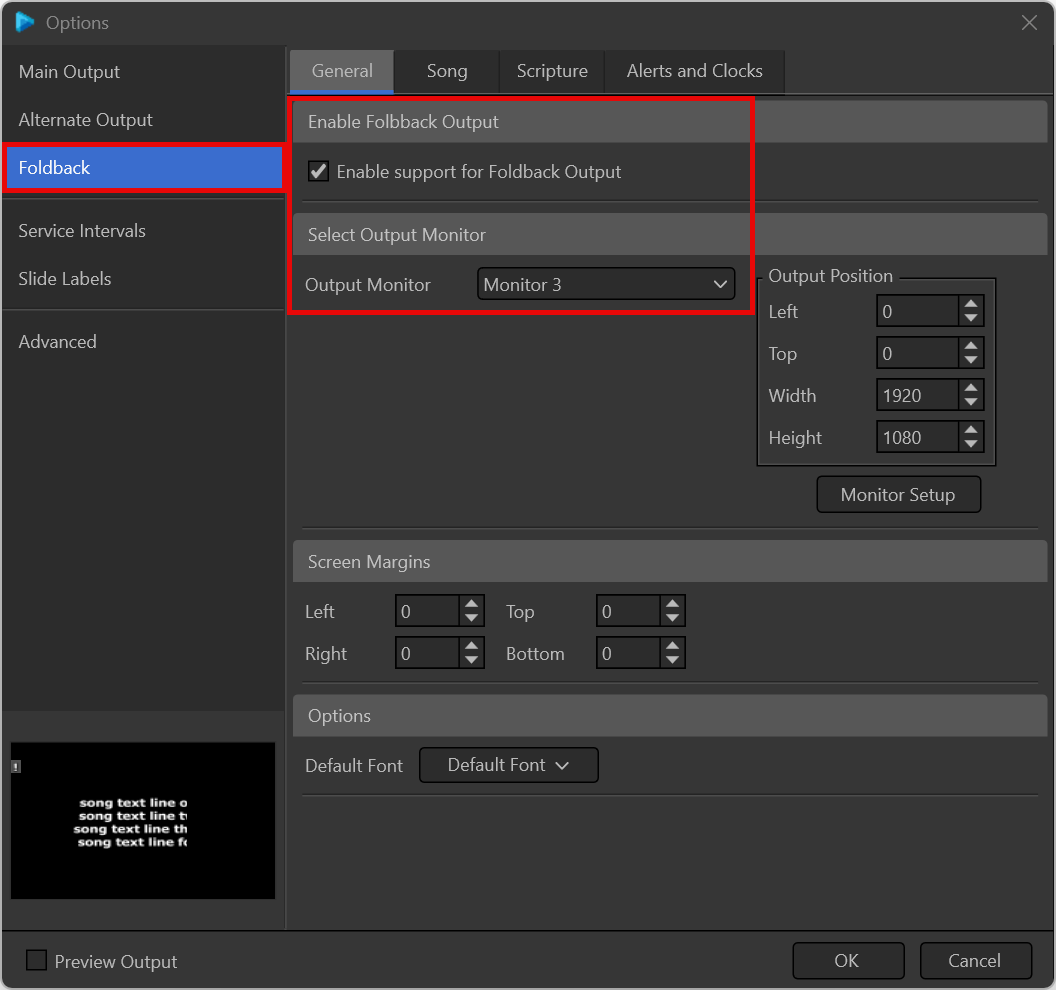
- Select Foldback on the left.
- Under the General tab, check the box to Enable support for display Foldback (stage display).
- Select Monitor 3 (or whatever monitor you want to send it to) from the Output Monitor drop-down list.
- Click OK.
NOTE If you want to send the Foldback Output to NDI, choose NDI Stream from the Output Monitor dropdown.