Setting Up EasyWorship to use your Second Monitor
EasyWorship will normally find the secondary display and automatically send the output to that screen. However, you may need to set up the output screen manually. The instructions below will walk you through the process.
- Open EasyWorship.
- Click Edit > Options... to open the Options window.
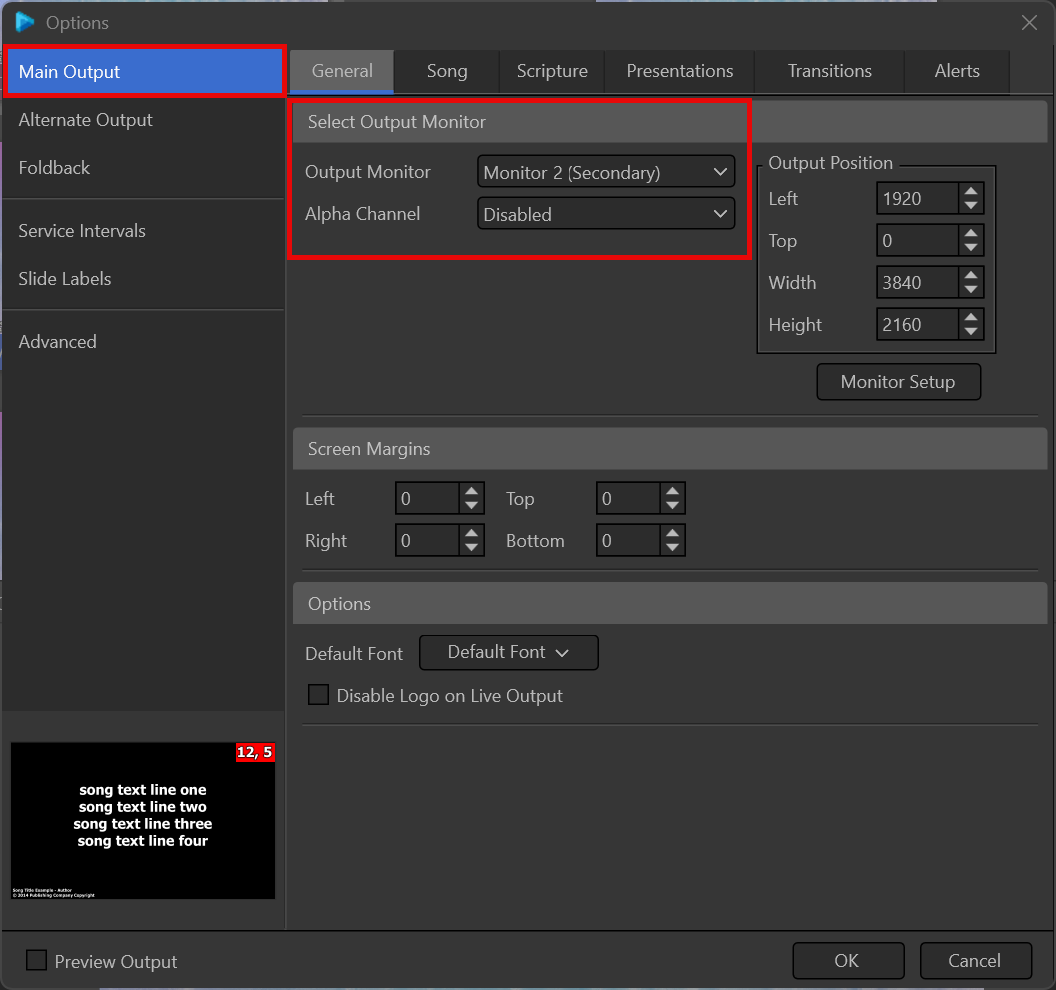
- Select Main Output and go to the General tab at the upper left.
- In the section titled Select Output Monitor, select Secondary from the Output Monitor drop-down list.
- Click OK.
NOTE If you want to send the Output to NDI, choose NDI Stream from the Output Monitor drop-down.
SEE Alpha Channel Broadcast Setup for more information on enabling alpha channel.