Service Intervals
To access the Options menu in EasyWorship, click Edit > Options.... In the bottom left corner of the Options window, there is a check-box next to Preview Output. Use this option to view changes on the output screen as you make them.
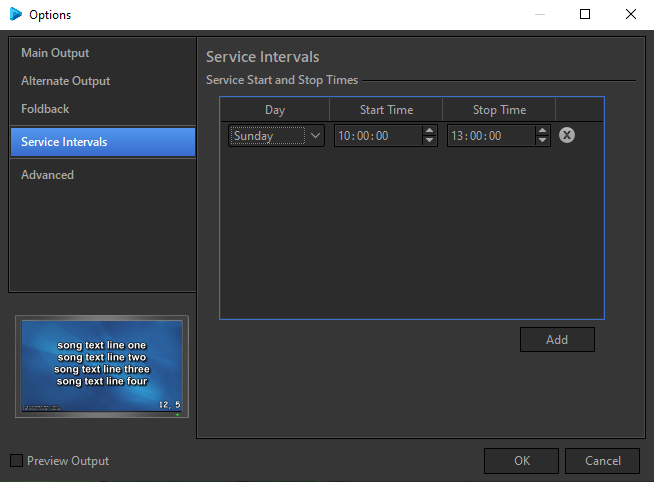
Service intervals allow you to set up a start and stop time for your services. Click Add to create one or more service intervals.
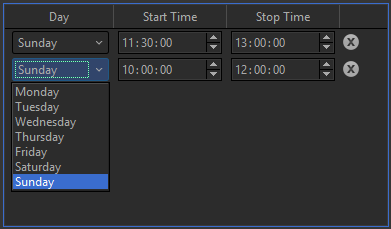
Select the day of the week you want to set a service interval for.
Adjust the settings for Start Time and Stop Time either by typing it in or by using the arrows on screen.
These times use a 24 hour clock (HH:NN:SS).
SEE Service Interval Options to set the format of the service interval time on the screen.
To delete a service interval time, click the  to the right side of it.