Search
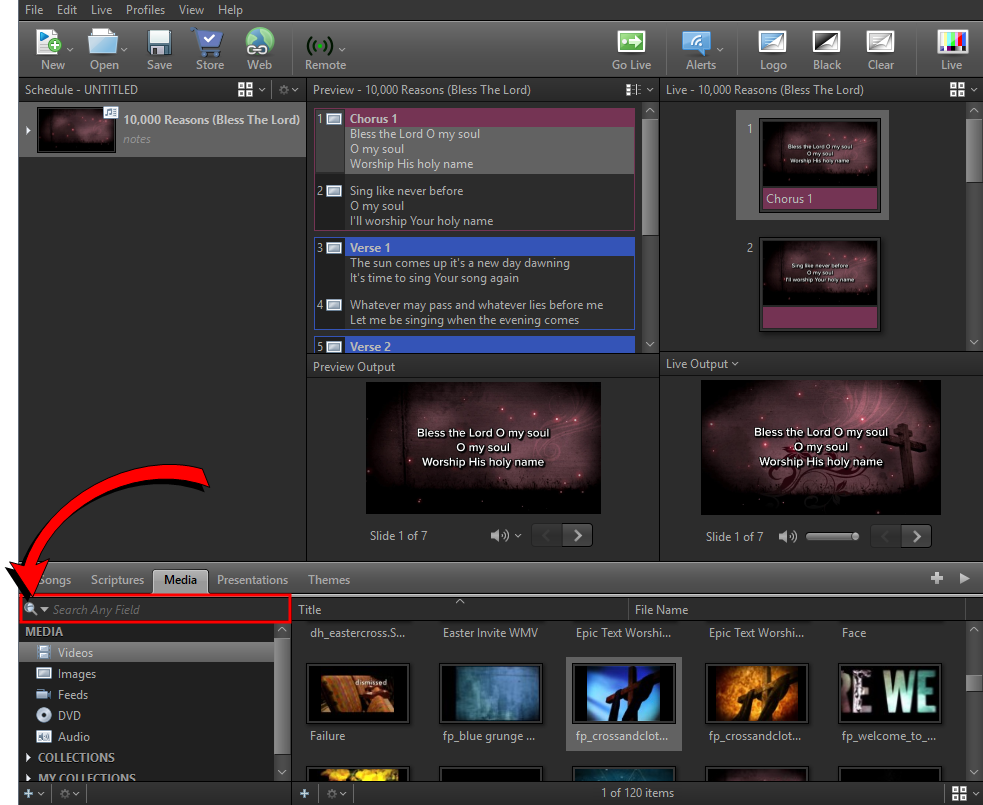
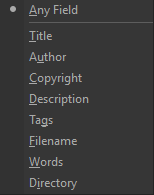
The Search function is located above the Resource Library. You can search within all libraries in the Resource Area with two different search modes. Search by resource title, by scripture reference, or by keyword. Toggle between search modes by clicking the icon on the left side of the search box.
 This icon allows you to search by resource title or scripture reference.
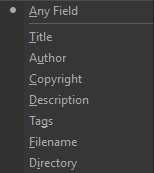
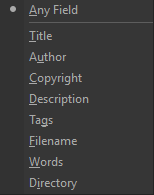
 This icon allows you to search by any field or any option from the drop-down.
Songs
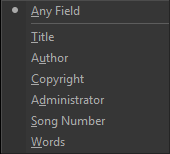
Scriptures
- Keyword or phrase search
Media
Presentations
Themes
For more information about the Search function,
SEE Searching Scripture and Locate and Display a Song