Main Sections of the Interface
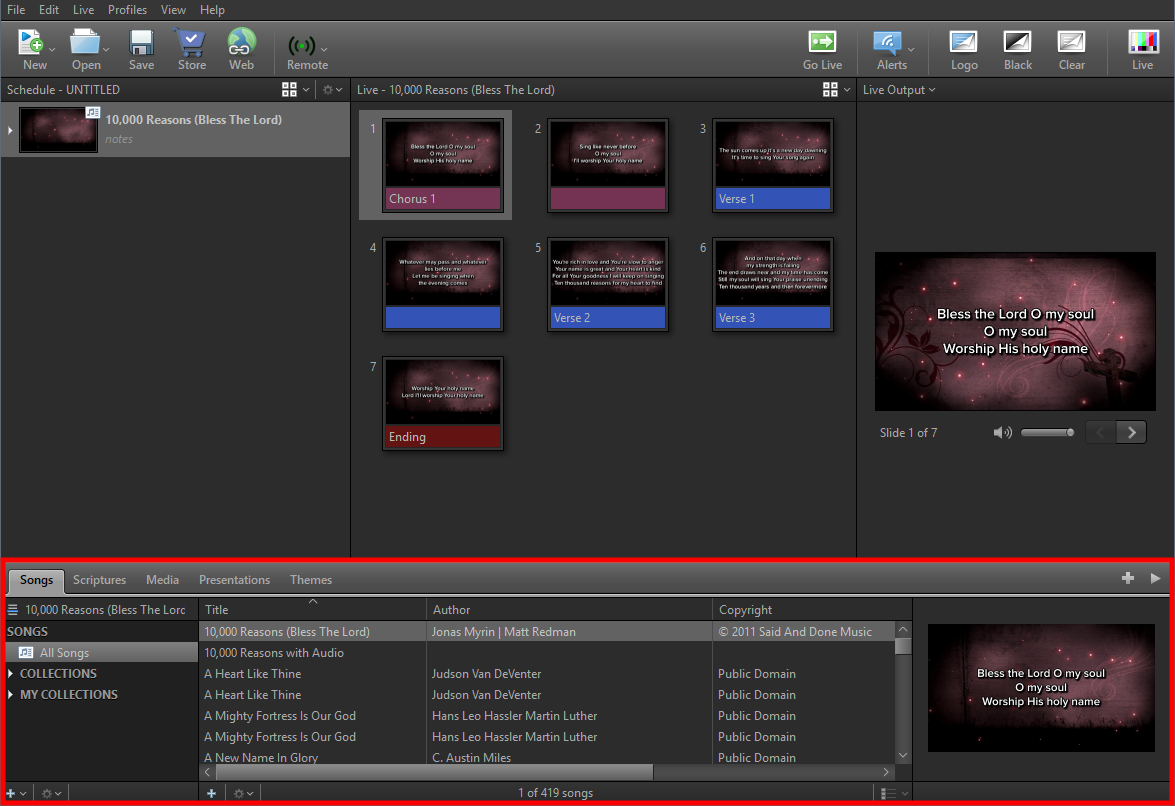
EasyWorship makes it easier than ever to build and present a schedule. If you've used previous versions, you'll recognize the flow: using the Resource Area on the bottom to build the Schedule on the left, the Preview Area in the middle (in Preview and Live view), and then present from the Live Area on the right. You can still double-click any item in the Schedule or Resource Area to go live immediately, and additional menu options have been tucked into menu drop-down buttons located in the corners of each section of the interface.
The user interface consists of the following major sections:
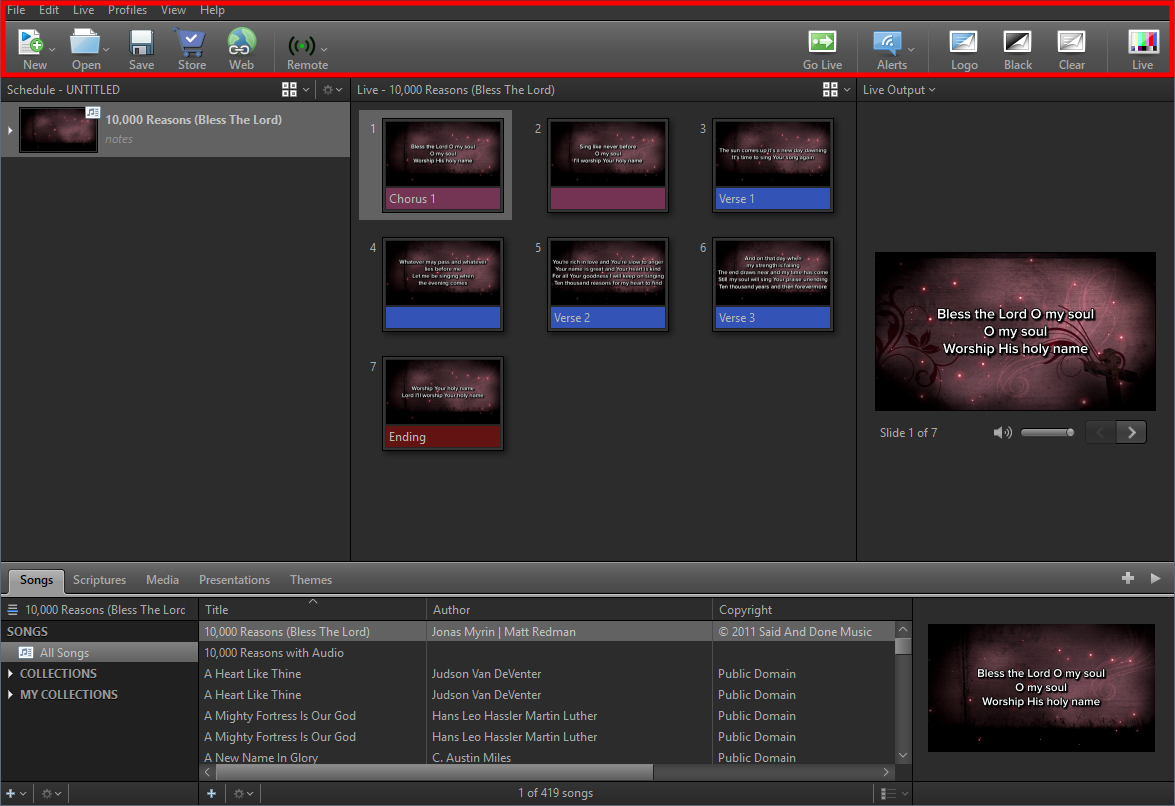
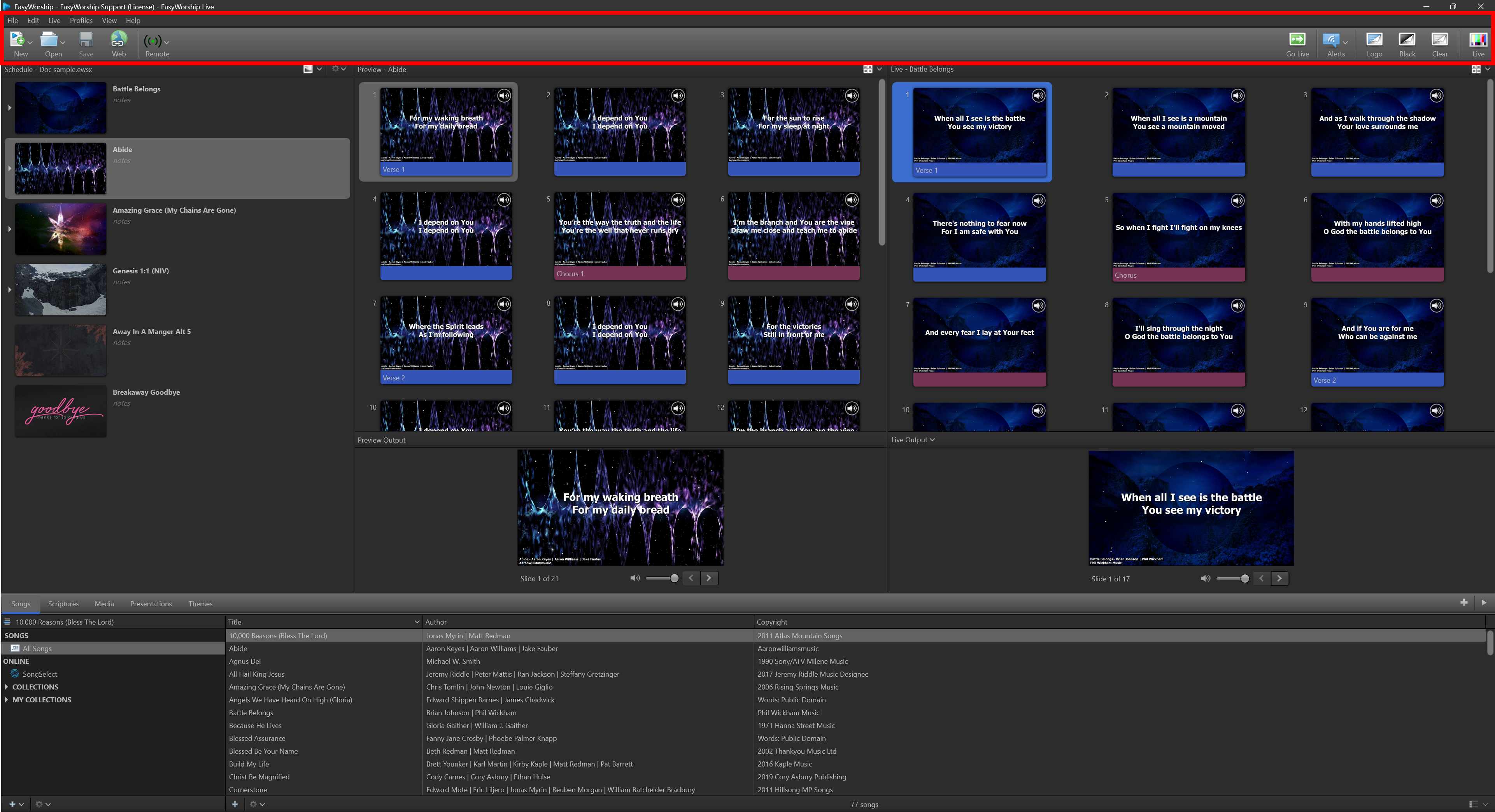
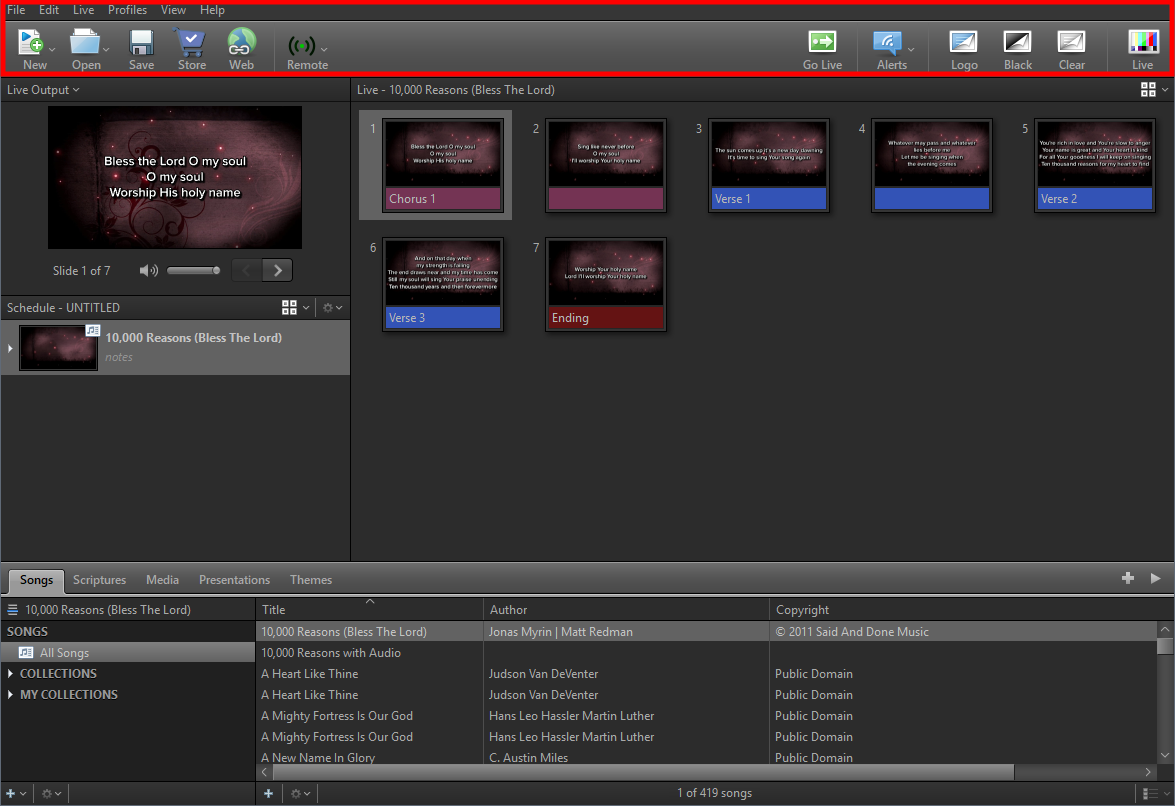
Menus and Toolbar - In all views, this section contains the menus and toolbar, used for accessing all available features of EasyWorship.
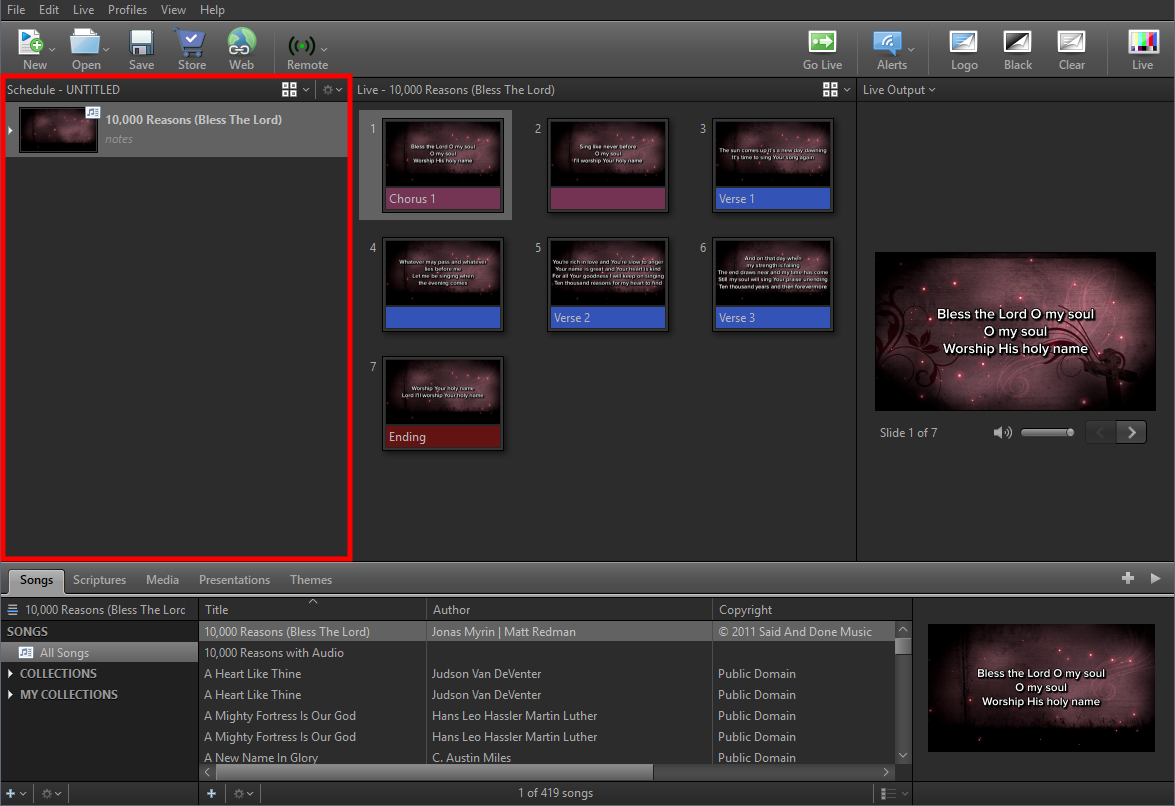
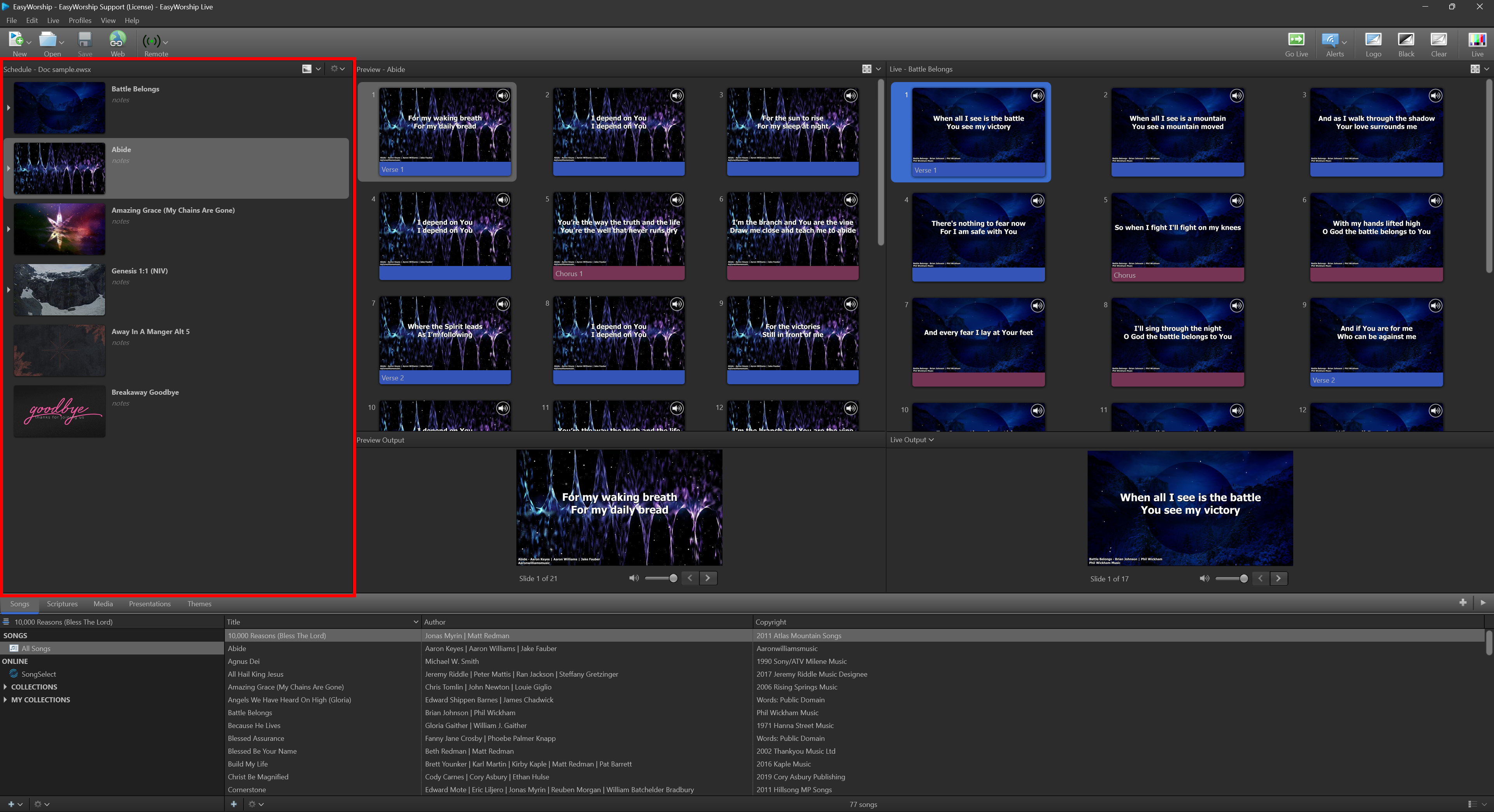
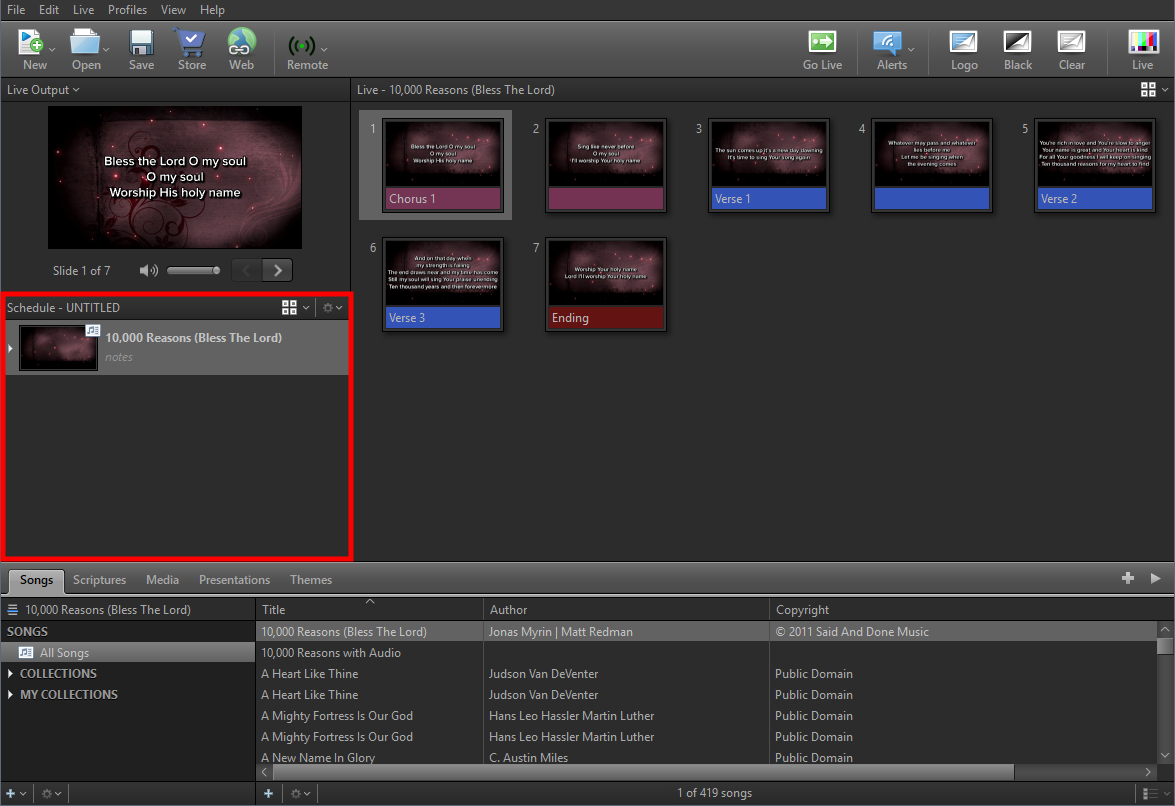
Schedule Area - In all views, this section allows you to build a playlist or "set list" of items you want to present during your worship service (e.g., songs with backgrounds, scriptures, PowerPoint slides for the sermon, live camera feeds, a mini-movie for offering or a sermon illustration, a website, and lots of other options).
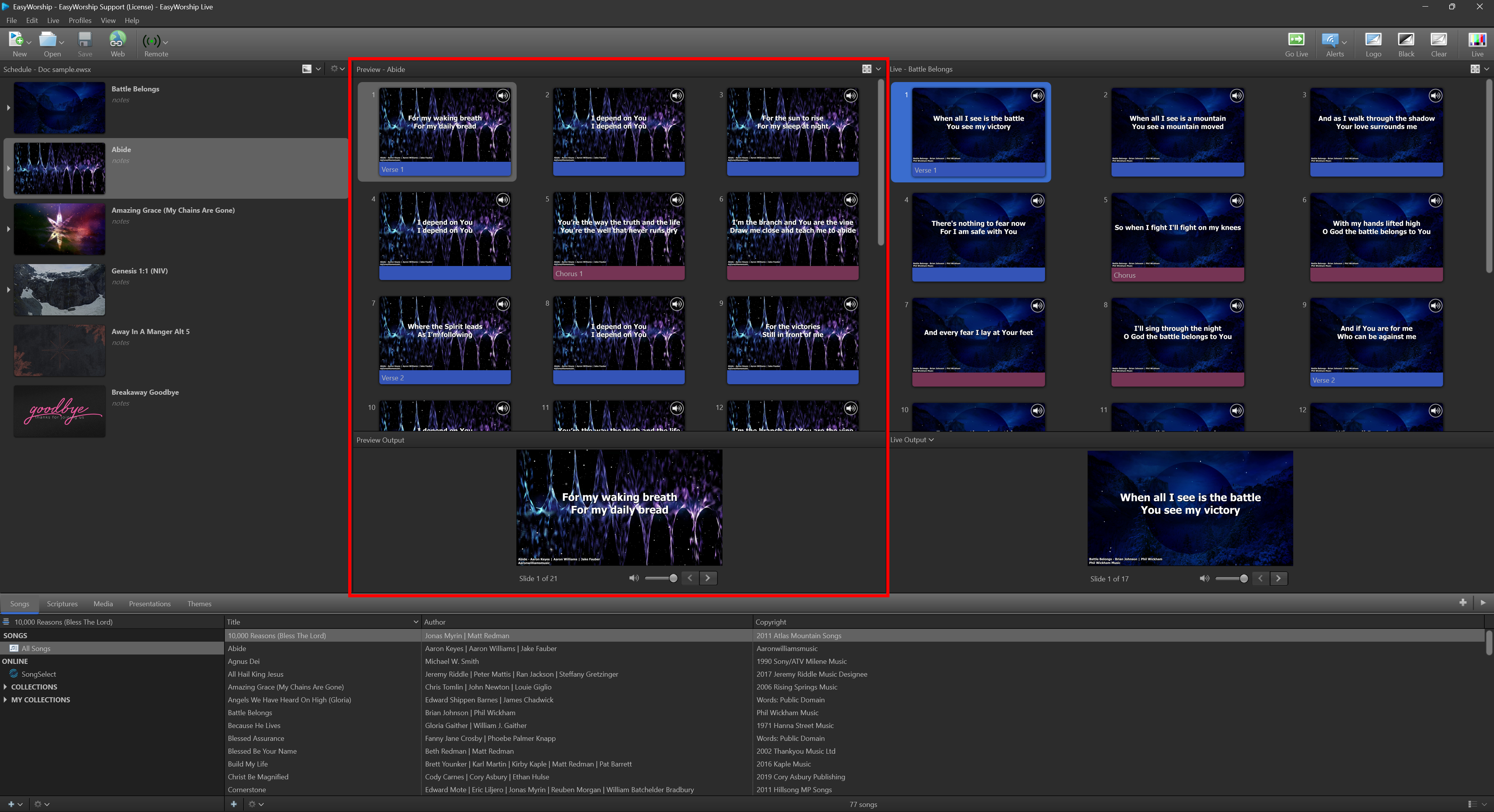
Preview Area - In Preview and Live view, this section displays a preview of the slide before going live, so that it can be edited.
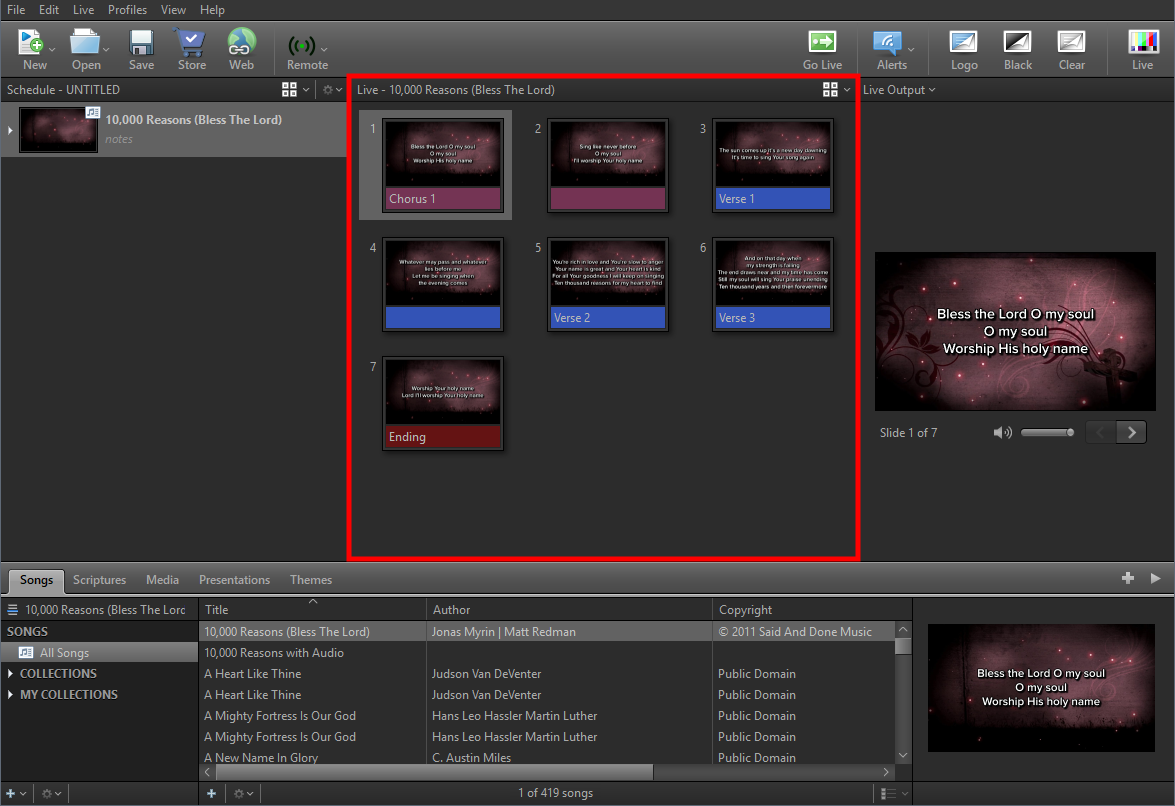
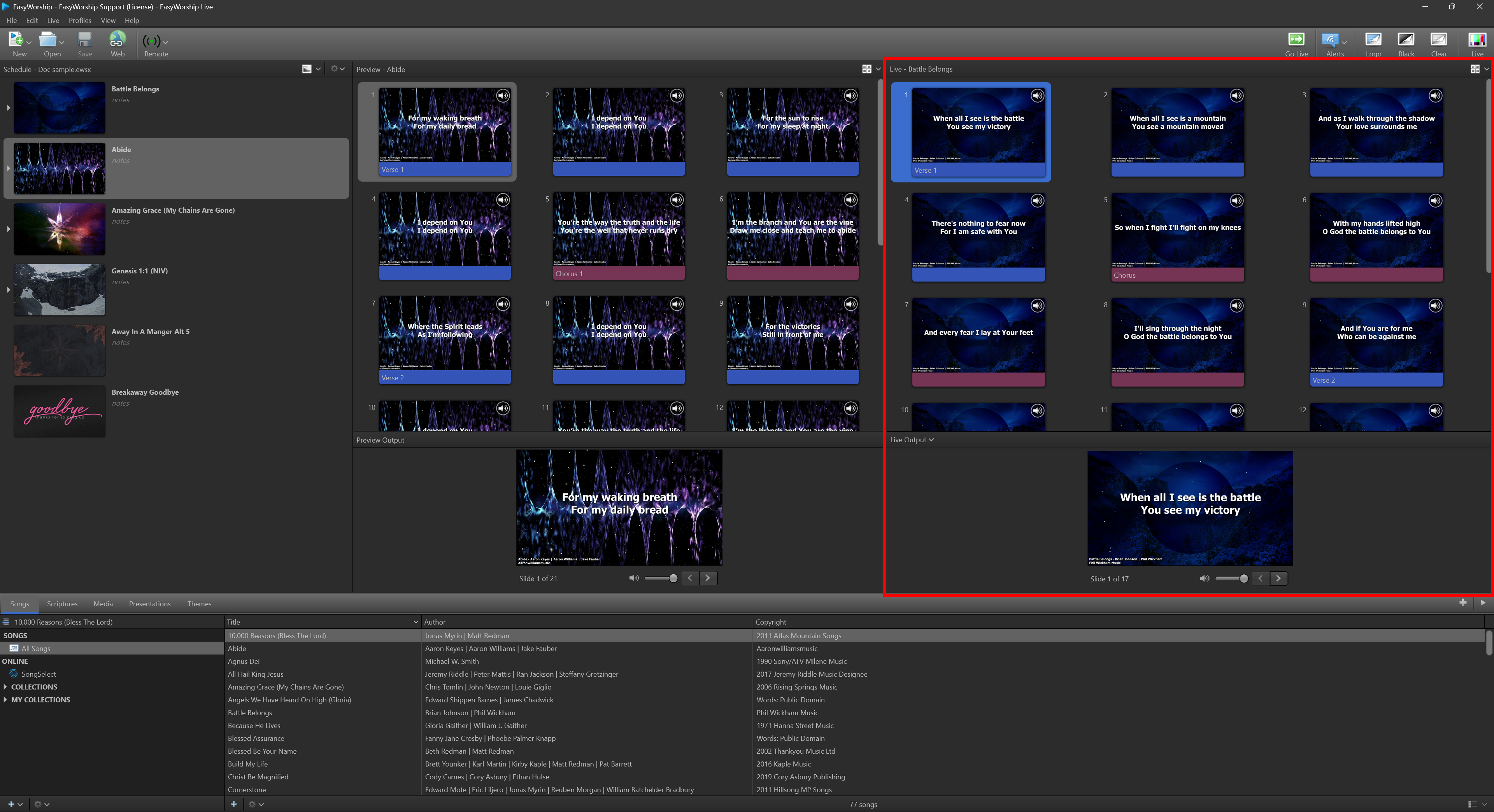
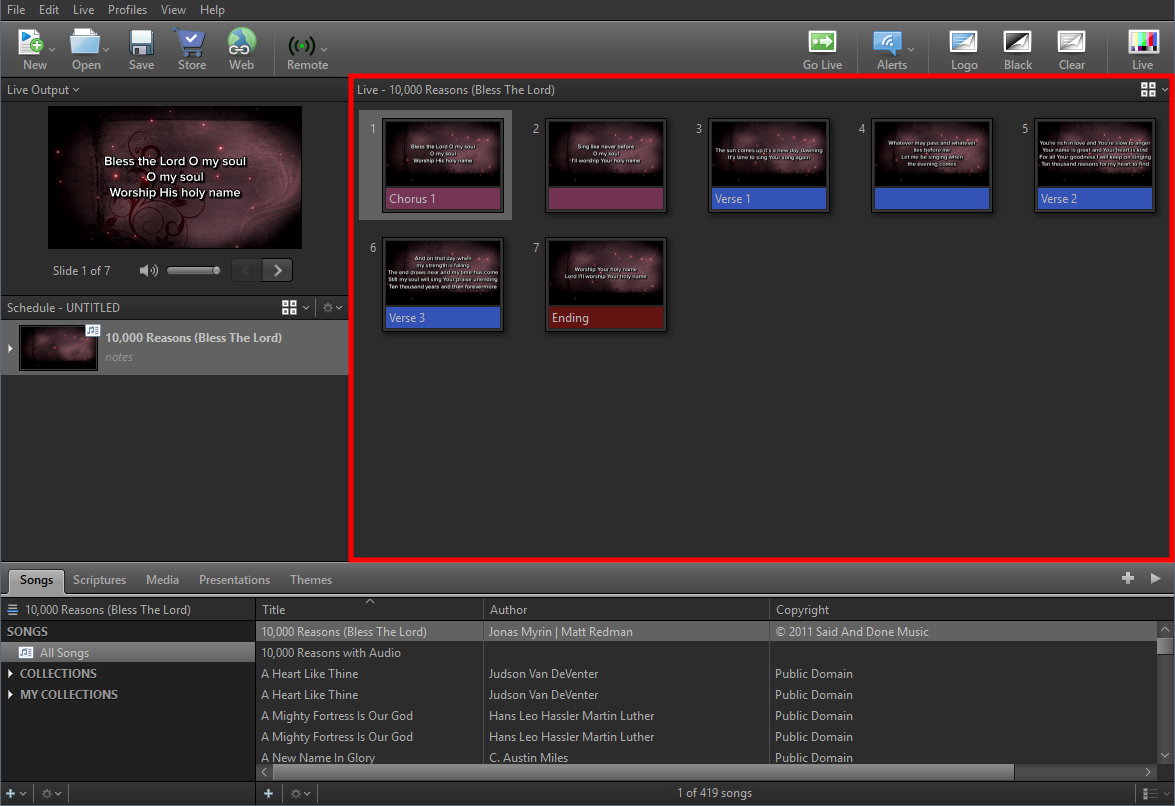
Live Area - In all views, this section allows you to see the current live slides and is where you will choose which slide is Live.
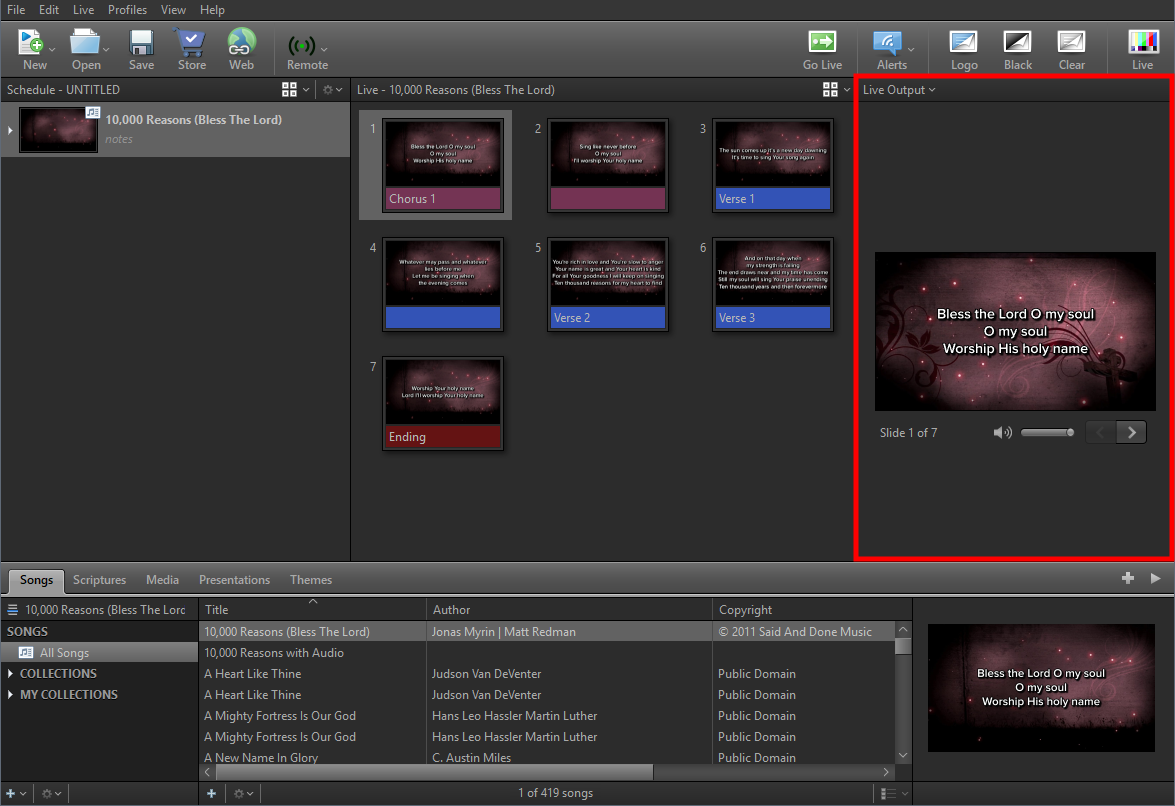
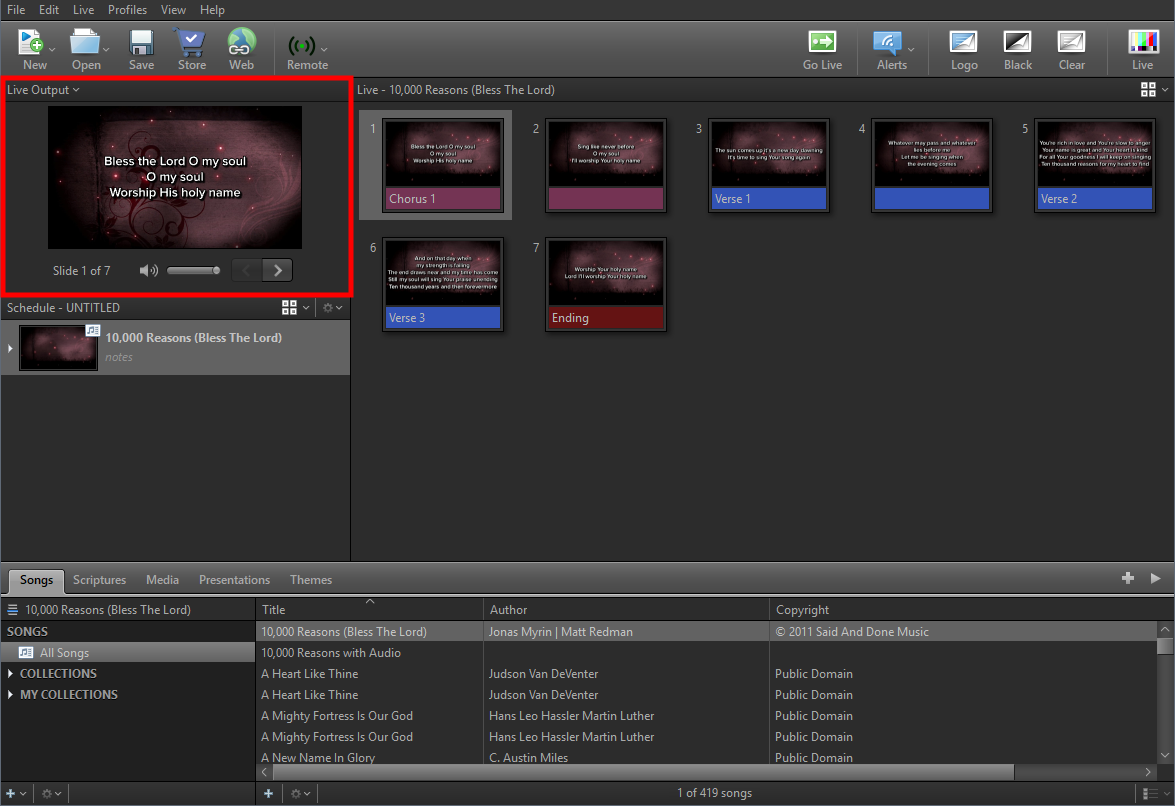
Live (Output) Area - In all views, this section allows you to see the current live slide that the audience is seeing. If you have other outputs enabled in your Options, you can click the dropdown to view those outputs as well.
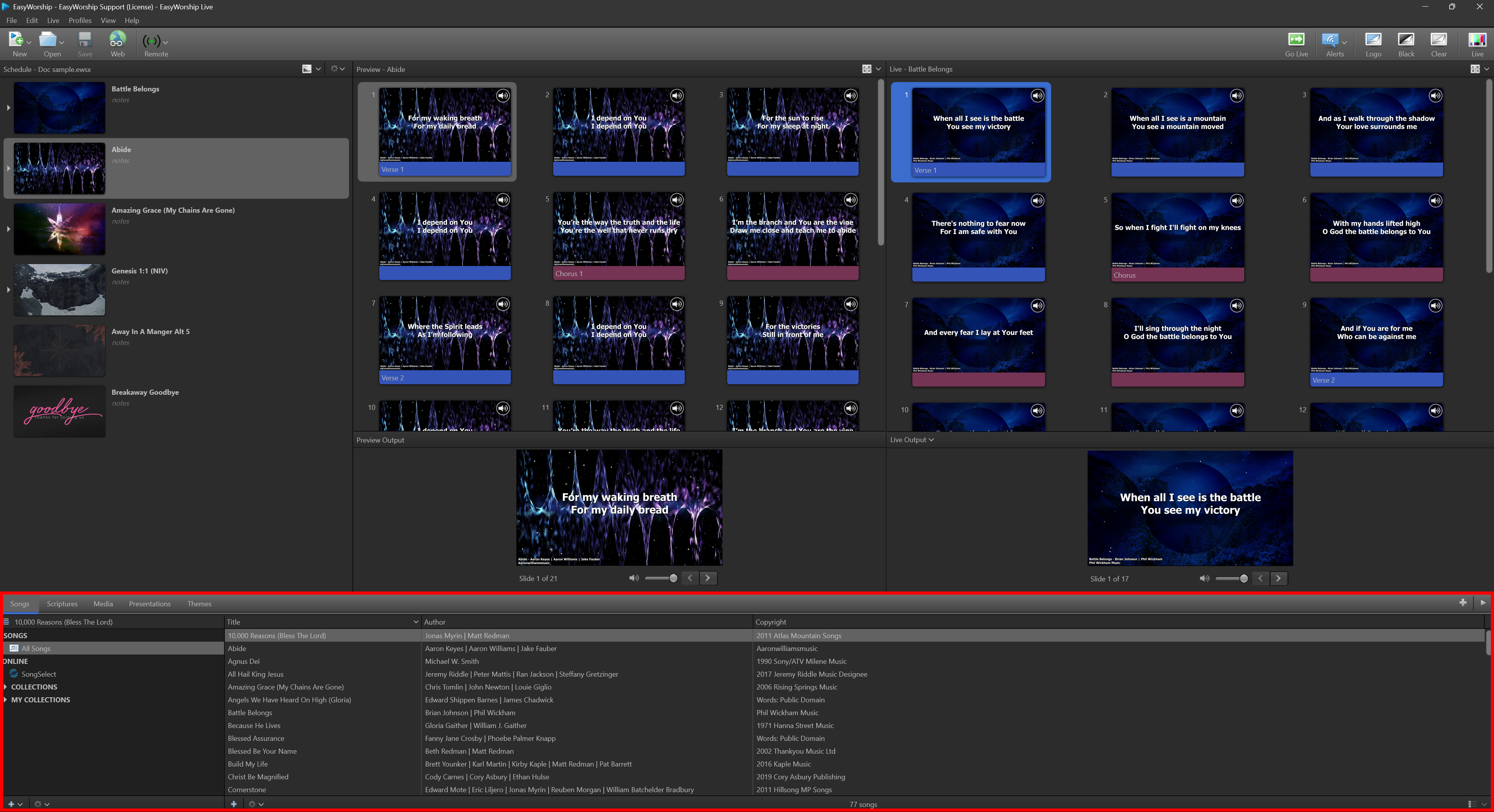
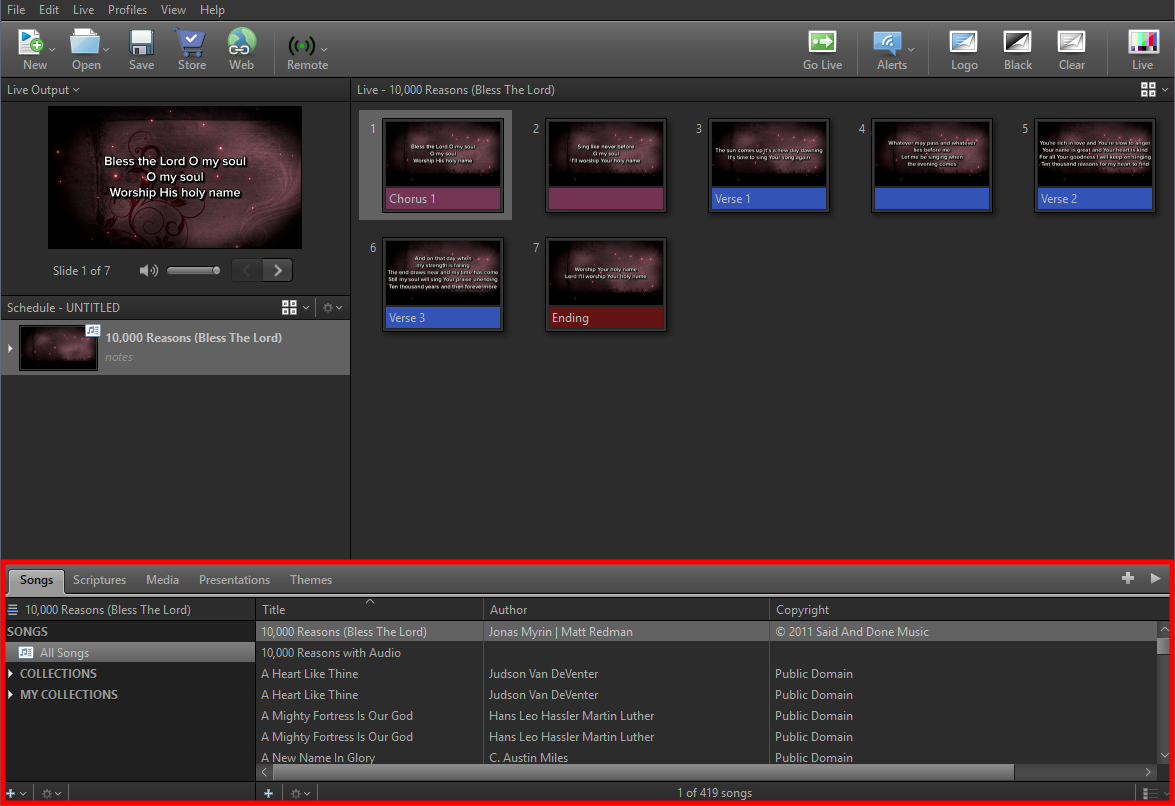
Resource Area - In all views, this section contains all of the media that can be used in the schedule. There are five tabbed resource libraries: Songs, Scriptures, Media, Presentations, and Themes.
Preview And Live
|
Menus and Toolbar |
|
|
Schedule Area |
|
|
Preview Area |
|
|
Live Area |
|
|
Resource Area |
|
Preview And Live Combined
|
Menus and Toolbar |
|
|
Schedule Area |
|
|
Preview / Live Area |
|
|
Live Output Area |
|
|
Resource Area |
|
Live With Resource Preview
|
Menus and Toolbar |
|
|
Schedule Area |
|
|
Live Area |
|
|
Live Output Area |
|
|
Resource / Preview Area |
|