Profiles Menu
|
<Profile Name> |
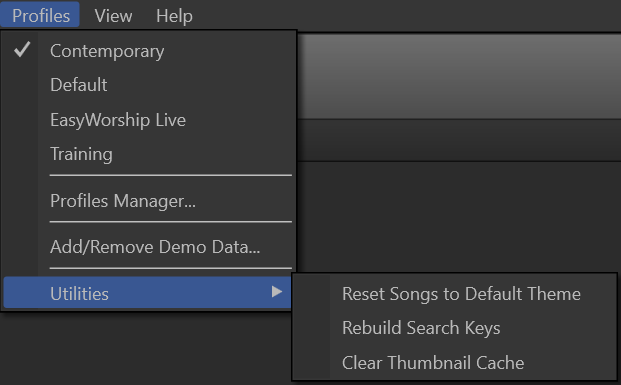
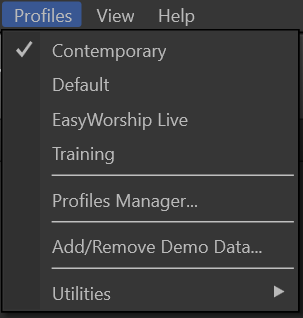
This portion of the menu lists all available profiles. |
|
Profiles Manager... |
Opens the Profiles Manager window. SEE Create a New Profile |
|
Add/Remove Demo Data... |
Allows you to add or remove the demo data from the currently-selected profile. |
|
Utilities |
|
|
Reset Songs to Default Theme |
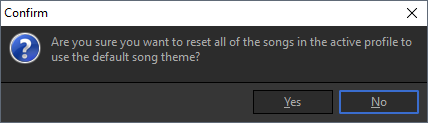
This will roll back any customization made to the songs in the selected profile. After selecting this option, you will receive the following confirmation window.
|
|
Rebuild Search Keys |
If you are attempting a keyword search within a Russian or Ukrainian song, the search function may not initially be available. If so, run this utility to manually rebuild the database. If this does not resolve the issue, contact EasyWorship support by going to support.easyworship.com and submitting a ticket. |
|
Clear Thumbnail Cache |
You can run this utility if and when you see issues with your thumbnails not loading properly. This will not remove or delete any of your media from your database. It will only remove the thumbnail images so they can repopulate. |