help Menu
|
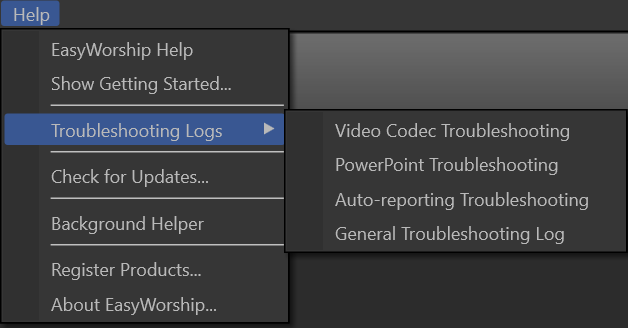
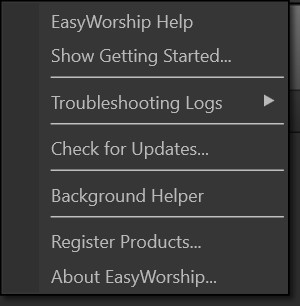
EasyWorship Help |
Opens the EasyWorship help file. |
|
Show Getting Started |
Opens the Getting Started walk-through. |
|
Troubleshooting Logs > |
|
|
Video Codec Troubleshooting |
Displays a list of the most recent codecs used for displaying video in EasyWorship. |
|
PowerPoint Troubleshooting |
Provides information about the interactions between EasyWorship and PowerPoint. |
|
Auto-report Troubleshooting |
Provides information on auto-reporting song usage to CCLI. |
|
General Troubleshooting Log |
Provides information on Profiles and general troubleshooting. |
|
Check for Updates... |
Checks for any available updates to the EasyWorship software. |
|
Background Helper |
The Background Helper displays background processes, such as importing PowerPoint slideshows or indexing media. |
|
Register Products... |
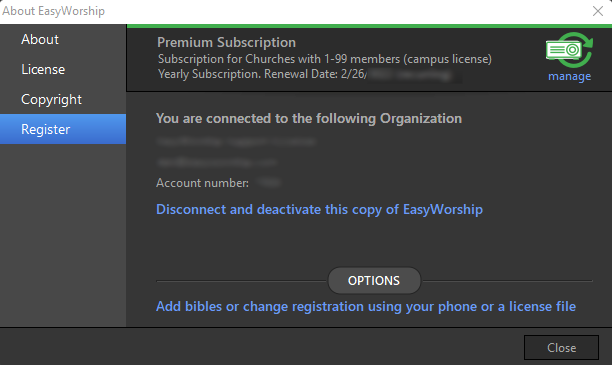
Opens the About EasyWorship window, with the Register tab selected. This window allows you to Login to register or deactivate the current copy of EasyWorship, add or change product keys, and add or change license files.
SEE How to Register EasyWorship video. |
|
About EasyWorship |
Opens the About EasyWorship window, displaying the current version of EasyWorship. |