File Menu
|
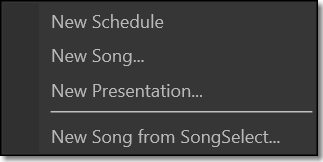
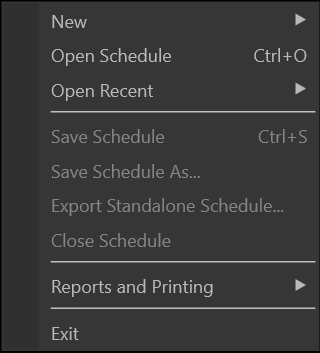
New > |
Gives the option to start a new schedule, new song, new presentation, or new song from SongSelect.
|
|
Open Schedule |
Opens a saved schedule. |
|
Open Recent > |
Displays a sub-menu with all recently-saved schedules. |
|
Save Schedule |
Saves the active schedule. (Pack files in schedule is turned on by default) |
|
Save Schedule As... |
Saves the active schedule with another specified file name and/or to an alternate location. |
|
Export Standalone Schedule |
Exports the active schedule to a file and will include all media from the schedule. It can then be opened and used on any computer that's running EasyWorship and all media will work even if it isn't saved on the computer. |
|
Close Schedule |
Closes the active schedule. |
|
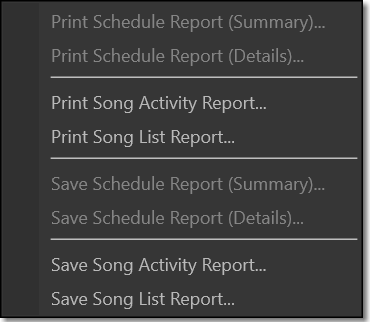
Reports and Printing > |
Provides options for printing song and schedule reports.
SEE Reports and Printing for more information. |
|
Exit |
Exits the EasyWorship software. |