Downloading Purchased Media
- Open EasyWorship.
- Click Store
 on the toolbar.
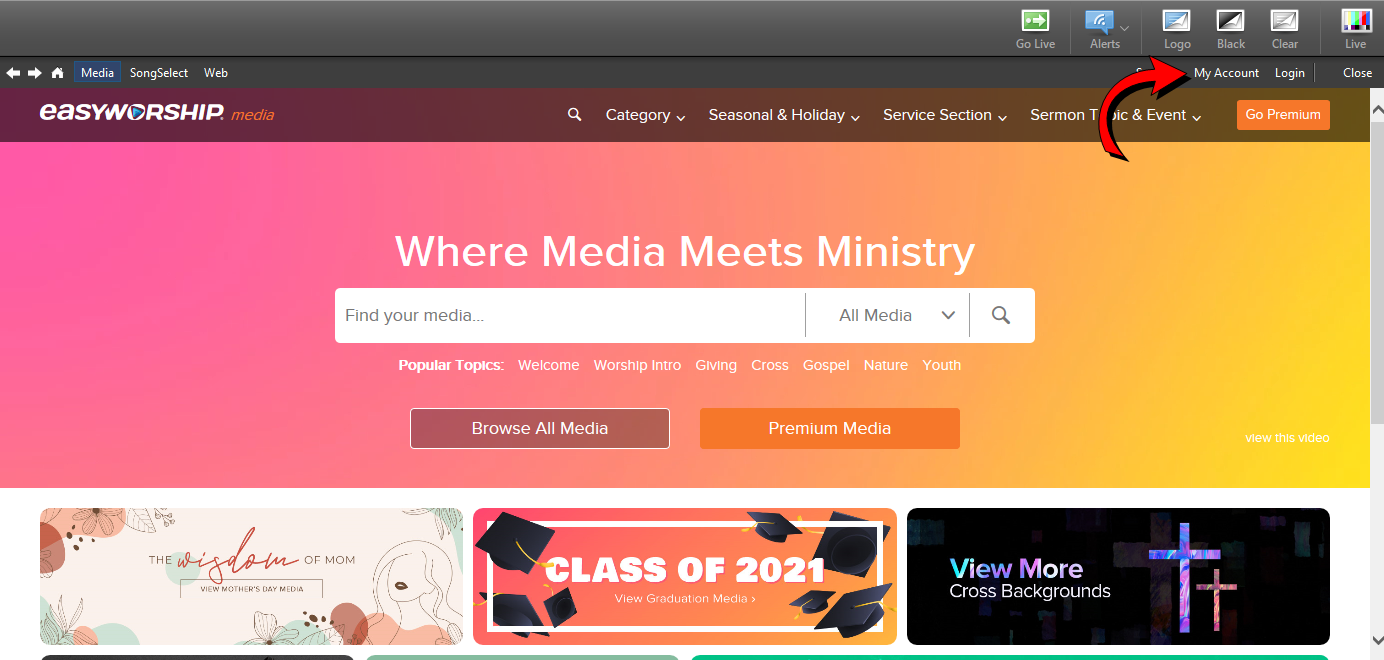
 - Click My Account at the top-right of the Store pane.
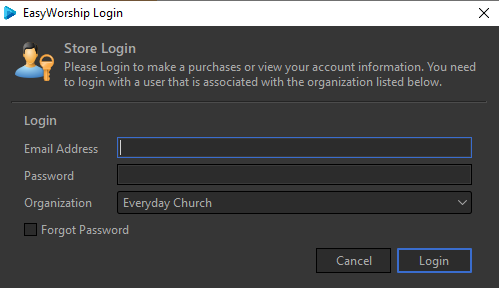
- Login with the same email and password you used to register EasyWorship.
- Click on Media at the top-right.

- Click Browse All Media.

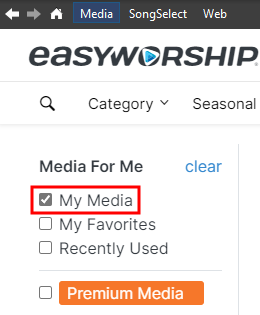
- Make sure the My Media checkbox is checked on the left.
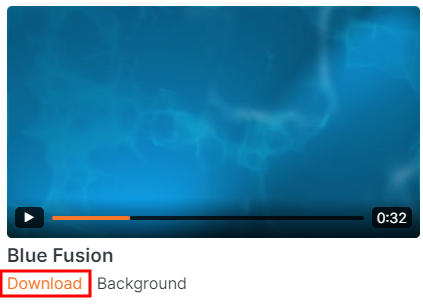
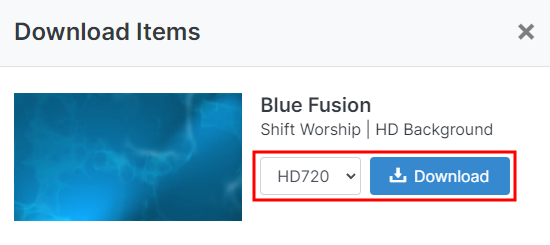
- Click on the thumbnail or on the Download link and a Download Items window will open.
- Select the resolution and format you want and click Download.
NOTE When provided the option for HD content, you may need to select SD if your computer seems to lag when playing HD video files through EasyWorship.
SEE System Requirements for playing HD content.
- The downloaded items will appear in the Media tab of the Resource Area in their respective folders (videos or images). The image or video thumbnail will appear faded until the download has completed.