Purchasing Media from the Store
From the EasyWorship Store
- Click Store
 on the toolbar.
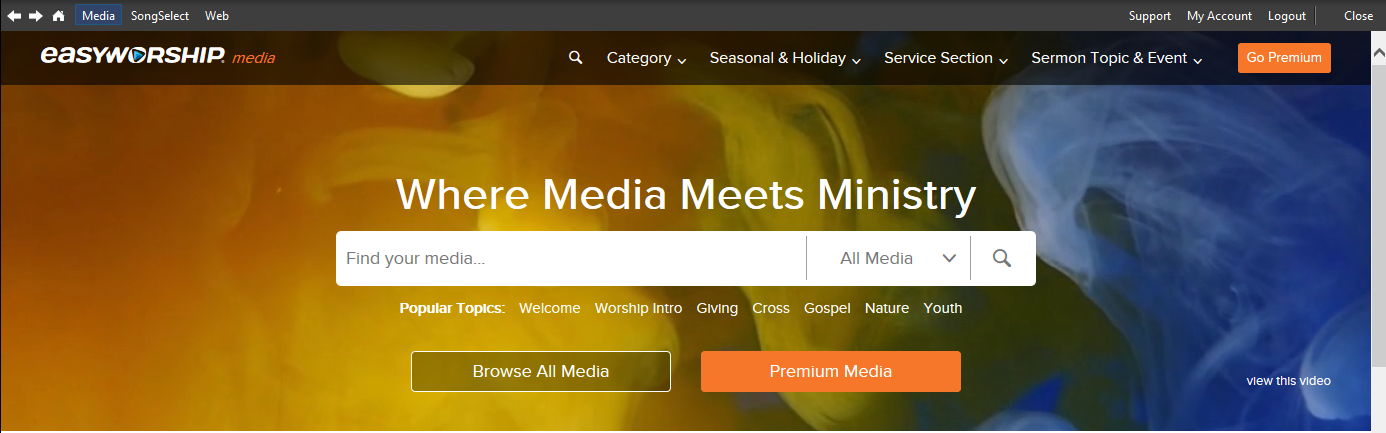
 - Enter a search term or select the desired media item.
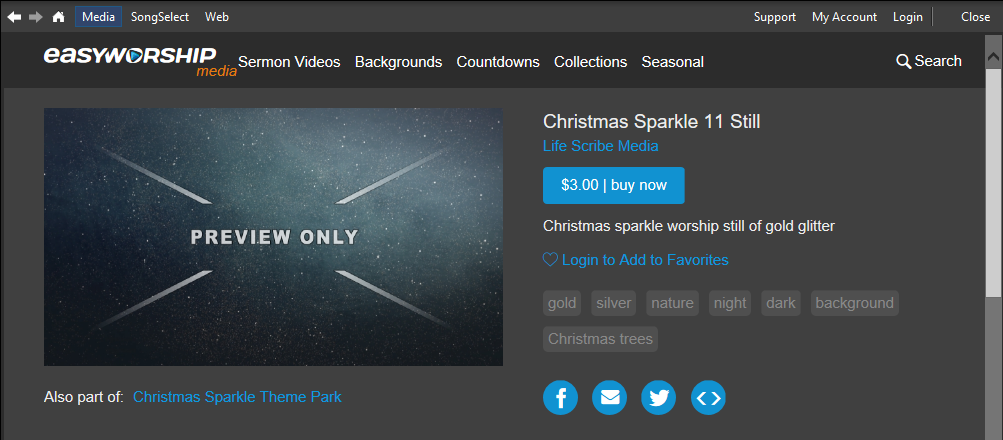
- Select the media item you would like to purchase.
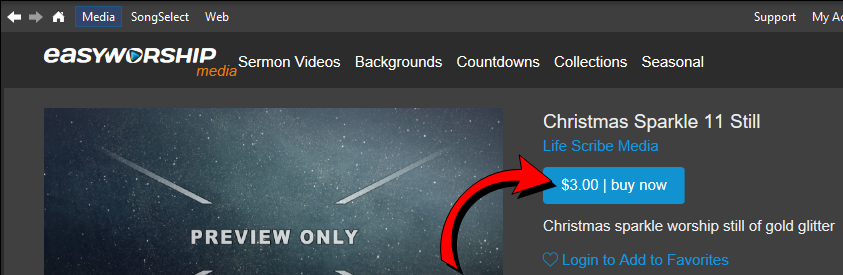
- Click buy now.
- Complete the checkout process to finalize the purchase.
From the Online Store
- To purchase videos from the media store, go to www.easyworship.com and sign-in to your account.
NOTE Make sure you are signed into the EasyWorship licensed account if you will be downloading the media into the EasyWorship software.
- Click Media at the top left side of the page and search for a video.

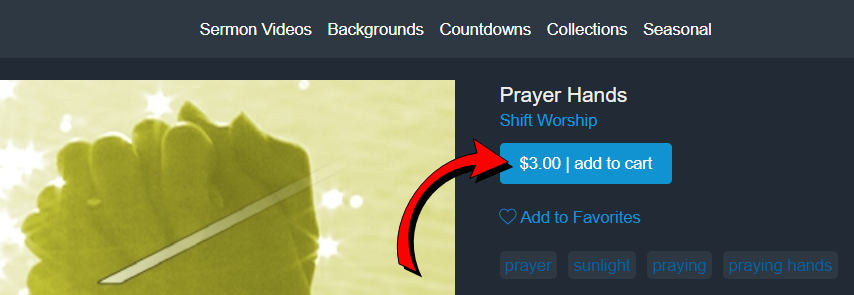
- Once a desired video is located, click add to cart.
- When finished adding items to your cart, View your cart by clicking the cart icon
 in the top right corner.
 - The Checkout / Payment Information window appears.
- Enter the appropriate payment information and click Place Order.
SEE Downloading Purchased Media