EasyWorship
Deleting Videos
- Click the Media tab.
- Select Videos on the left in the Resources Area.
- Right click the video that you want to delete.
- Click Delete.
- A message appears asking if you want to permanently delete the item.
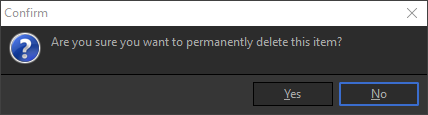
- Click Yes to delete the video.