Delete A Profile
If you no longer want to use a profile that is in your Profile List,
- Click Profiles > Profiles Manager.
- The Profile Editor screen appears.
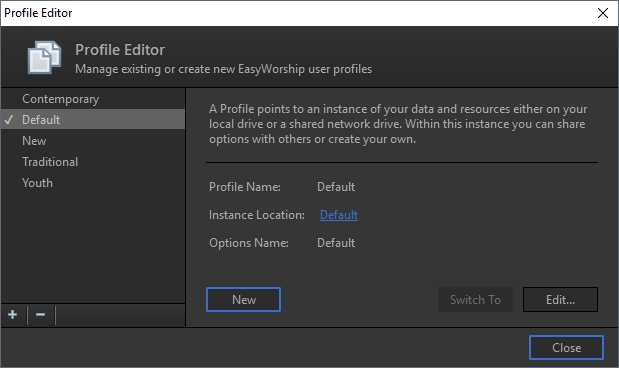
- Select the profile you want to delete.
- Click the Minus sign
 under the Profiles List or press Delete on your keyboard.
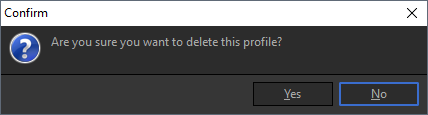
- Click Yes to delete the profile.
NOTE Deleting a profile in EasyWorship will remove the profile instance itself from the Profiles List. It will not remove anything from its database (songs and resources). If you want the database for that profile deleted, you will need to browse to the location of that profile and manually delete it.