Creating Presentations
There are 3 ways to start a new presentation in EasyWorship.
- Go to the Presentations tab in the Resource Area and either right click in the Presentations Library and select New Presentation...
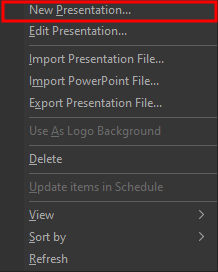
- Click the add button
 at the bottom of the Presentations Library.
This opens the Presentation Editor window.
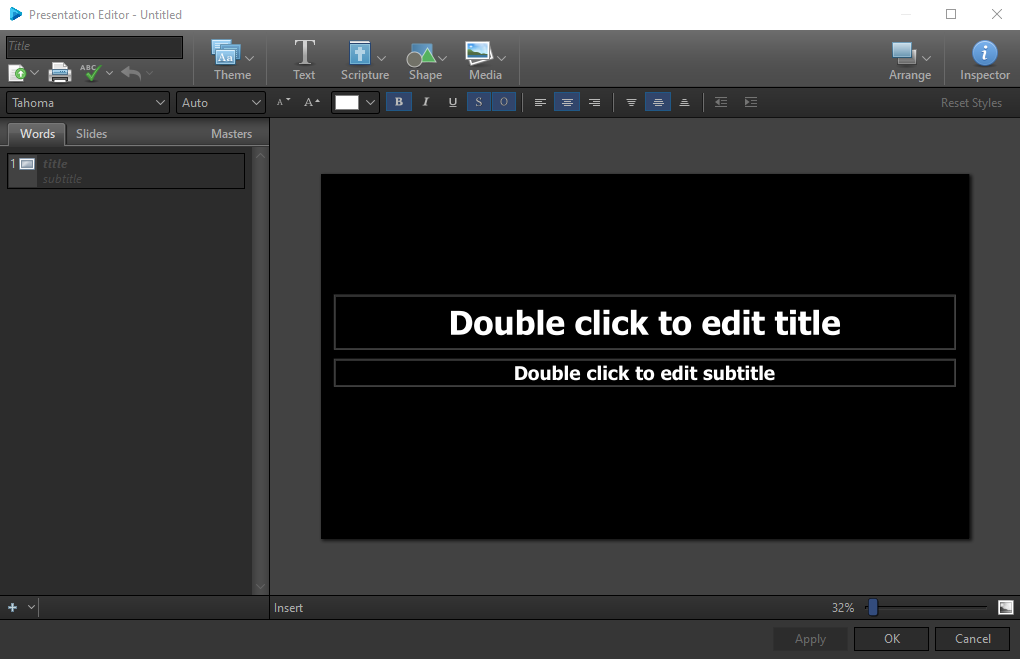
SEE Editing Presentations for more information on designing your presentation.