SongSelect
If you have a subscription to SongSelect from CCLI, you can import song lyrics from SongSelect directly into EasyWorship.
NOTE CCLI is a separate company and not affiliated with EasyWorship.
To import song lyrics into EasyWorship:
- Open EasyWorship.
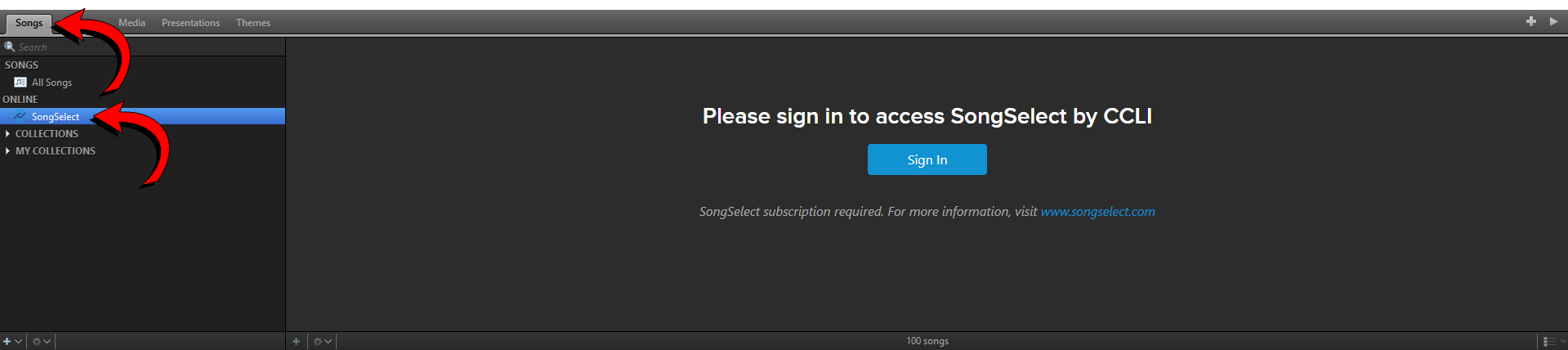
- Click the Songs tab.
- Click SongSelect.
- Sign in to your SongSelect account.
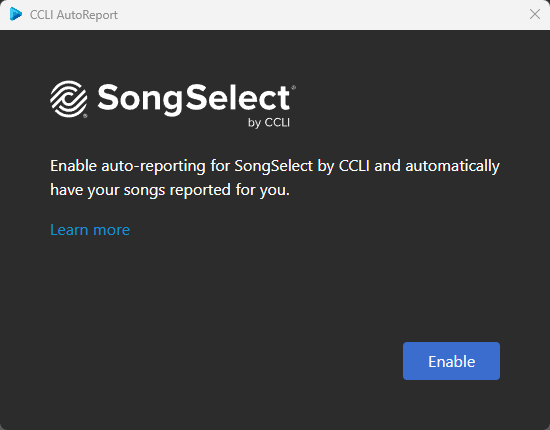
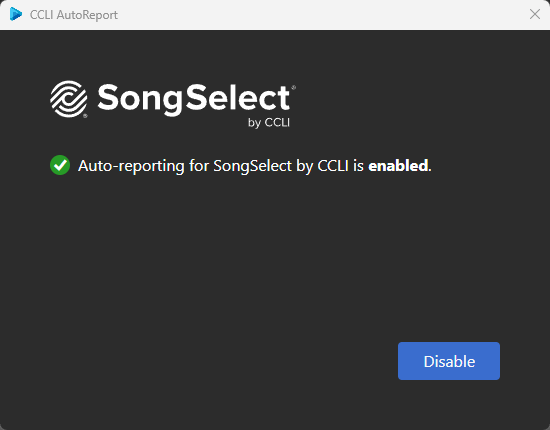
If this is your first time signing in, you will be prompted to enable auto-reporting for SongSelect by CCLI. If you would like to do that, click Enable.
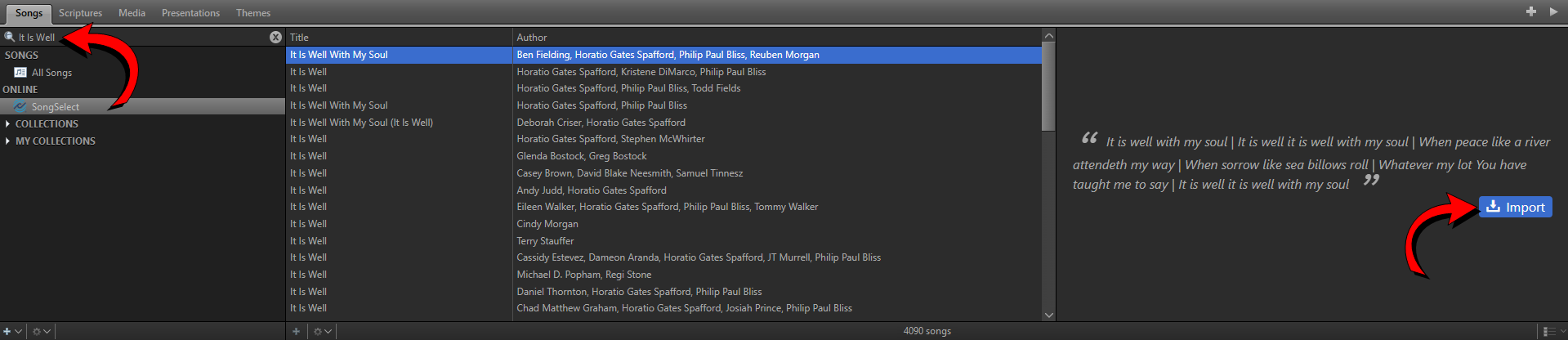
- You can browse the top songs or use the search box to find a specific song.
- Once you find the song you want to import, click Import on the right side.
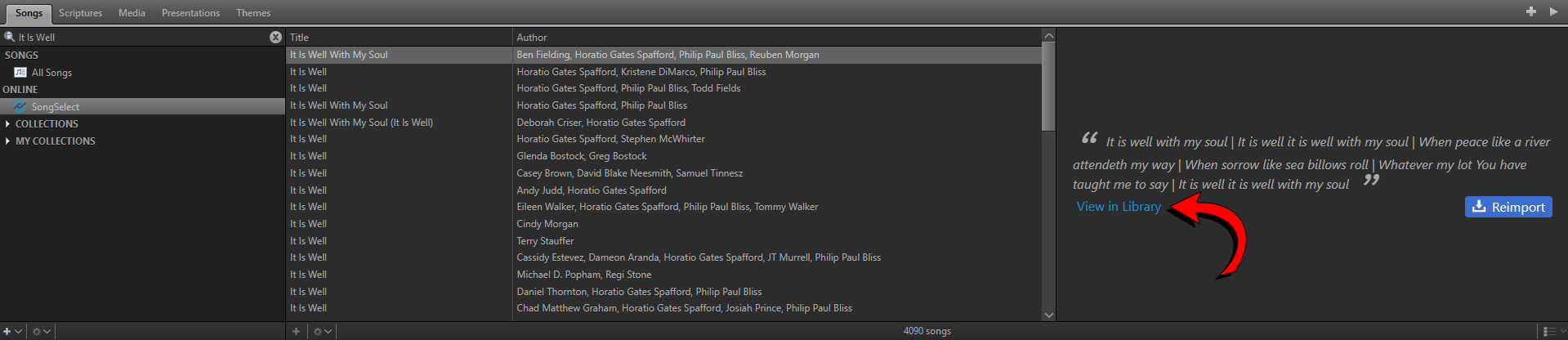
- Click View in Library to jump to that newly imported song in your library.
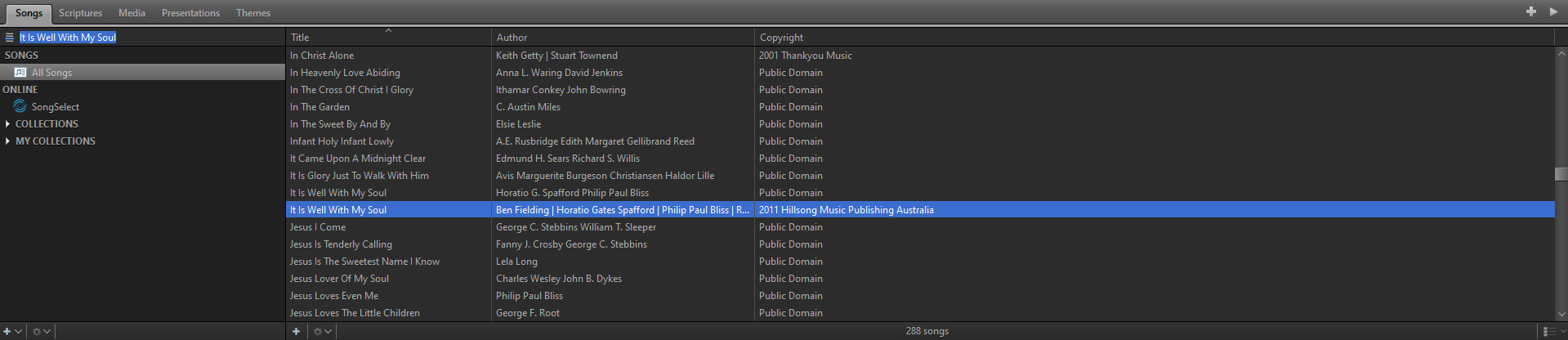
Right-Click Menu
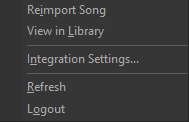
|
Reimport Song |
Imports the current song into your song library again. |
|
View in Library |
Jumps to the current song in your song library to view. |
|
Integration Settings... |
Displays your current auto-reporting enrollment. If enabled, you have the option to disable it. If disabled, you have the option to enable it.
|
|
Refresh |
Refreshes the SongSelect song list. |
|
Logout |
Logs you out of SongSelect. |
SEE Auto-ReportTroubleshooting
SEE Edit a Song