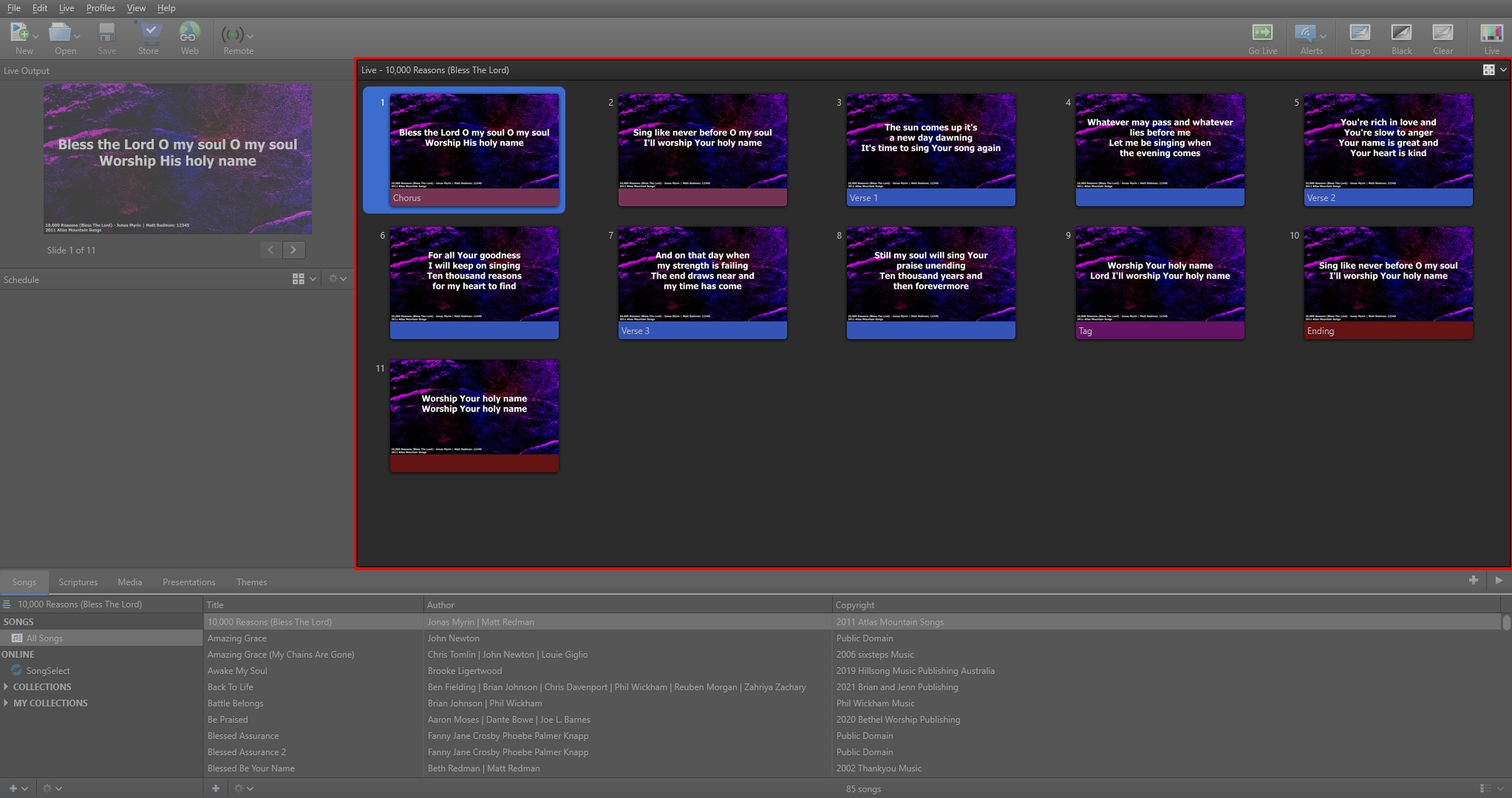
preview area
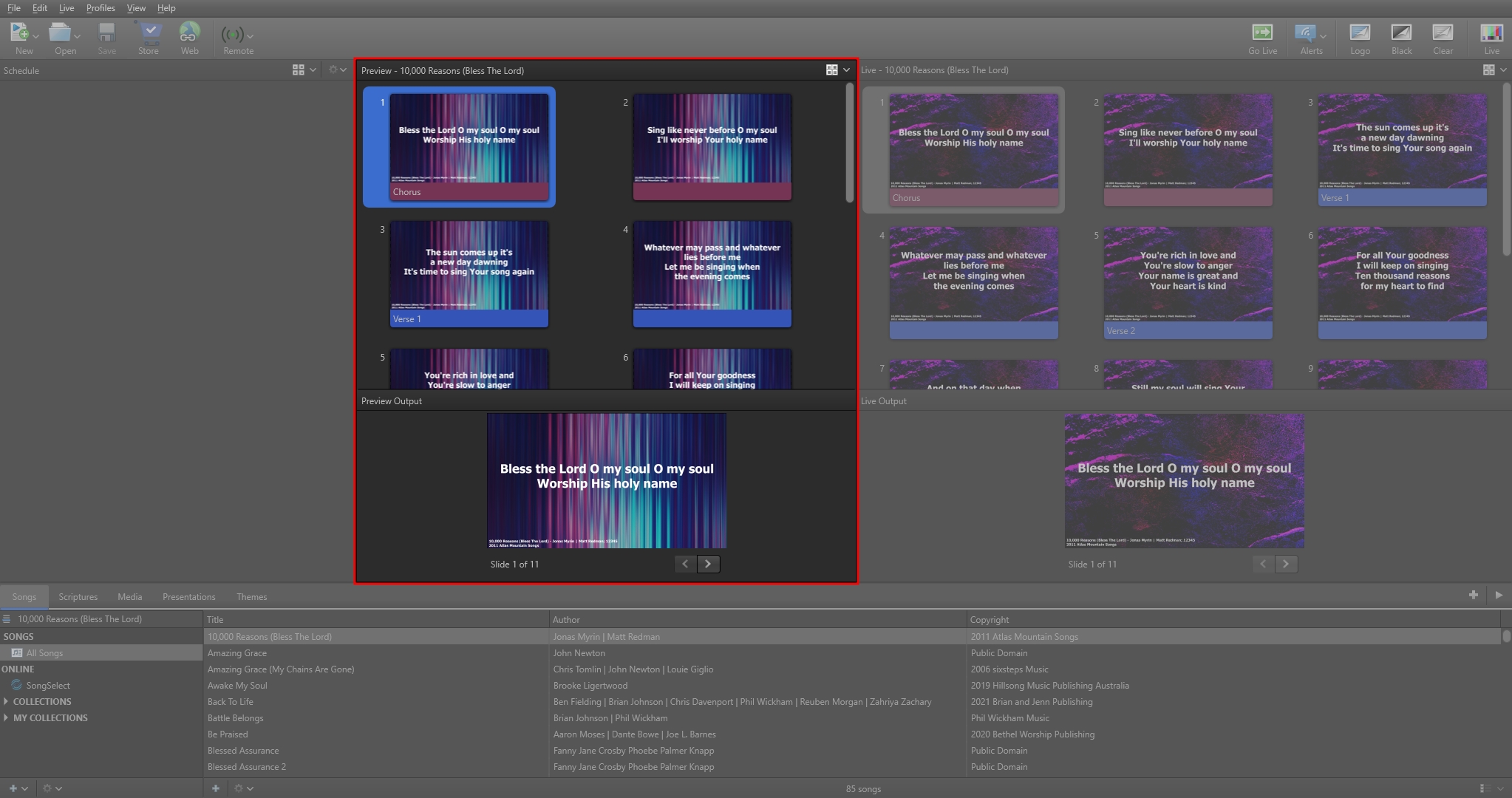
The Preview Area displays a preview of the current selection, whether it's a media item in the Resource Area, or an item in the Schedule. You can double-click the item in the Preview Area to send it to the live output immediately. You can also advance through multiple slides in the Preview Area using the forward and back buttons, but this does not advance them in the live output.
NOTE The Preview Area is only available in the 'Preview and Live' view.
In the Live with Resource Preview view, the preview window will be located in the resources area in the bottom right corner.
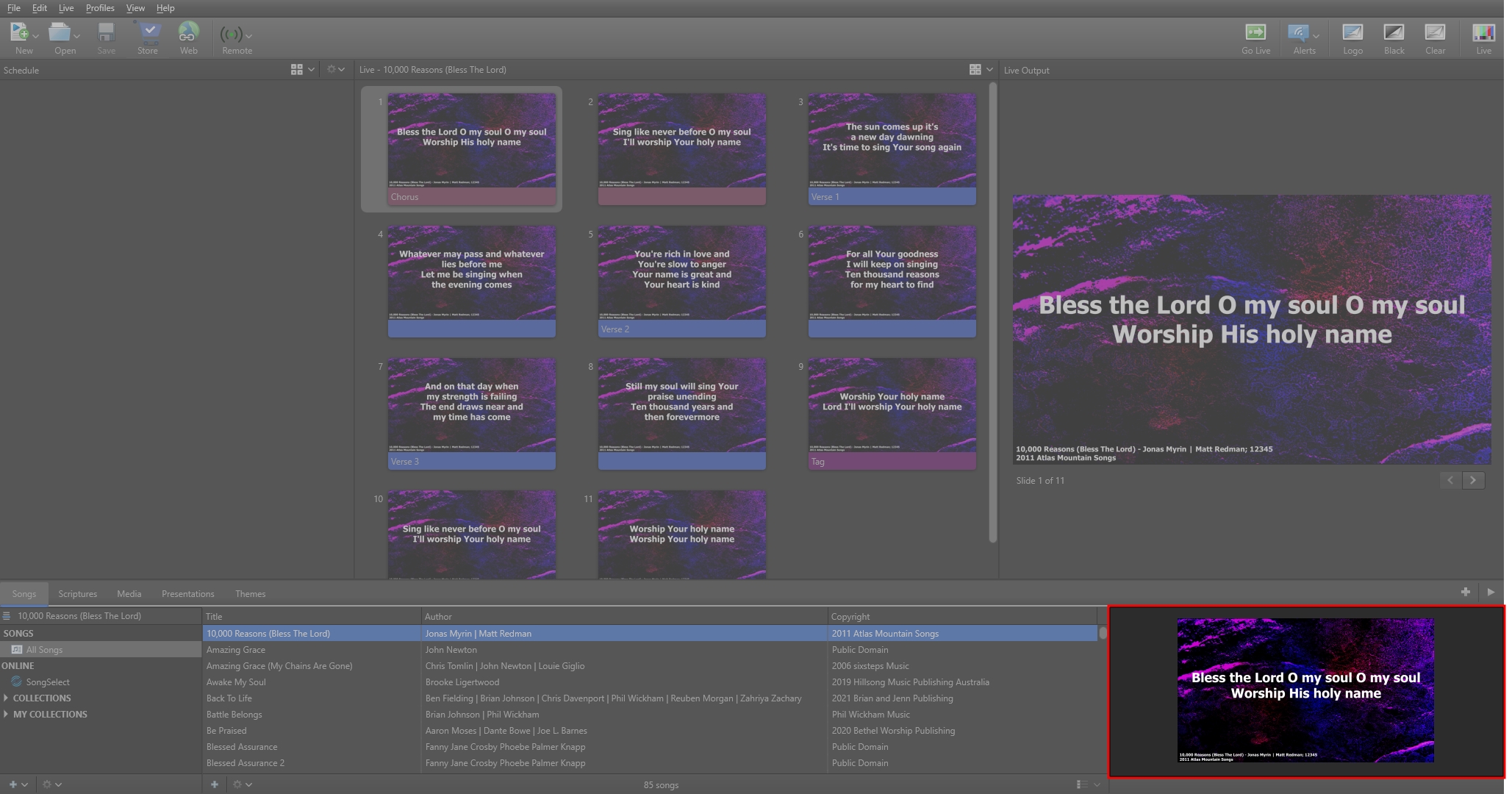
In the Preview and Live Combined view, the preview will show in the Live window before going live.