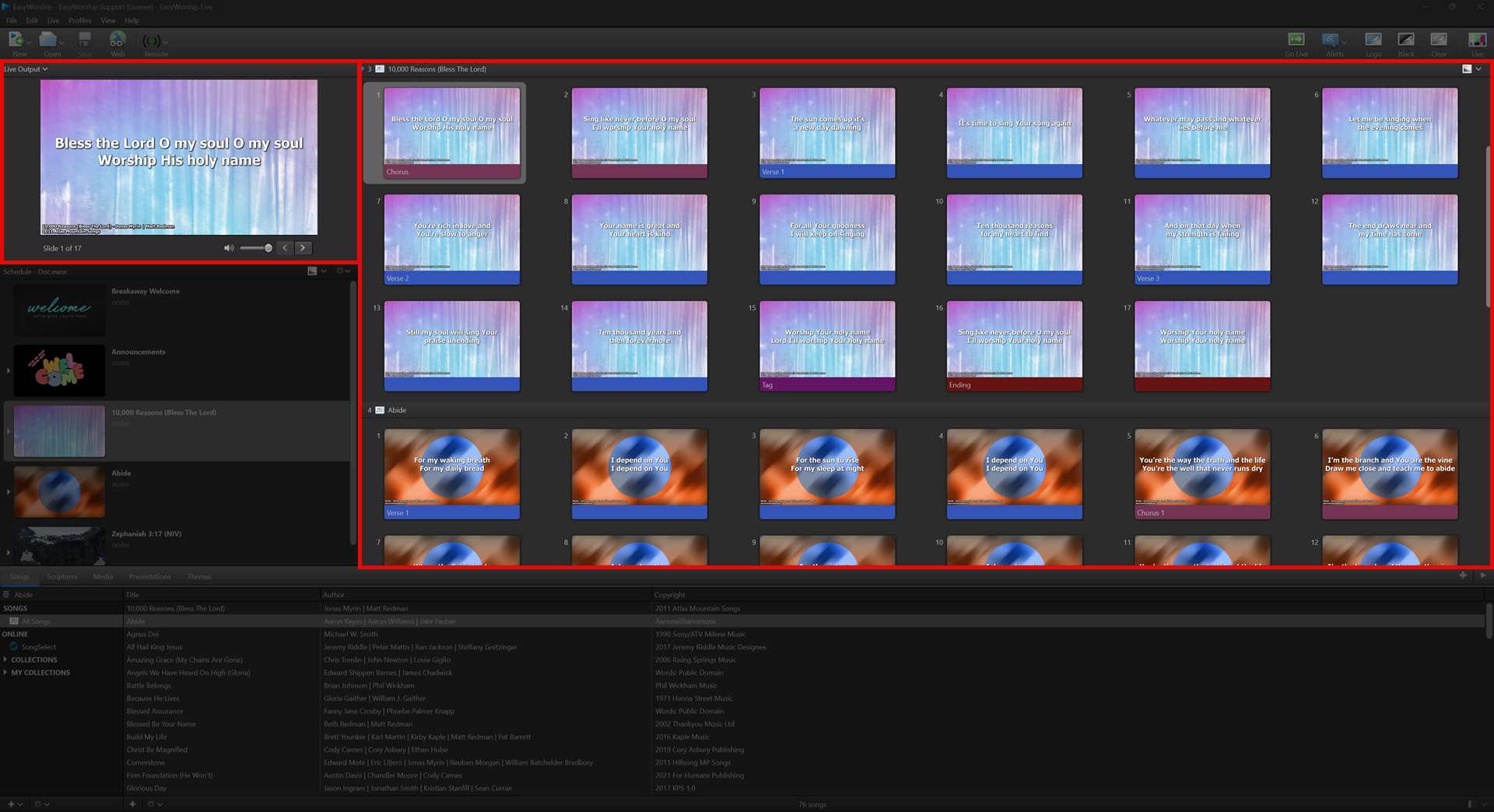
live area
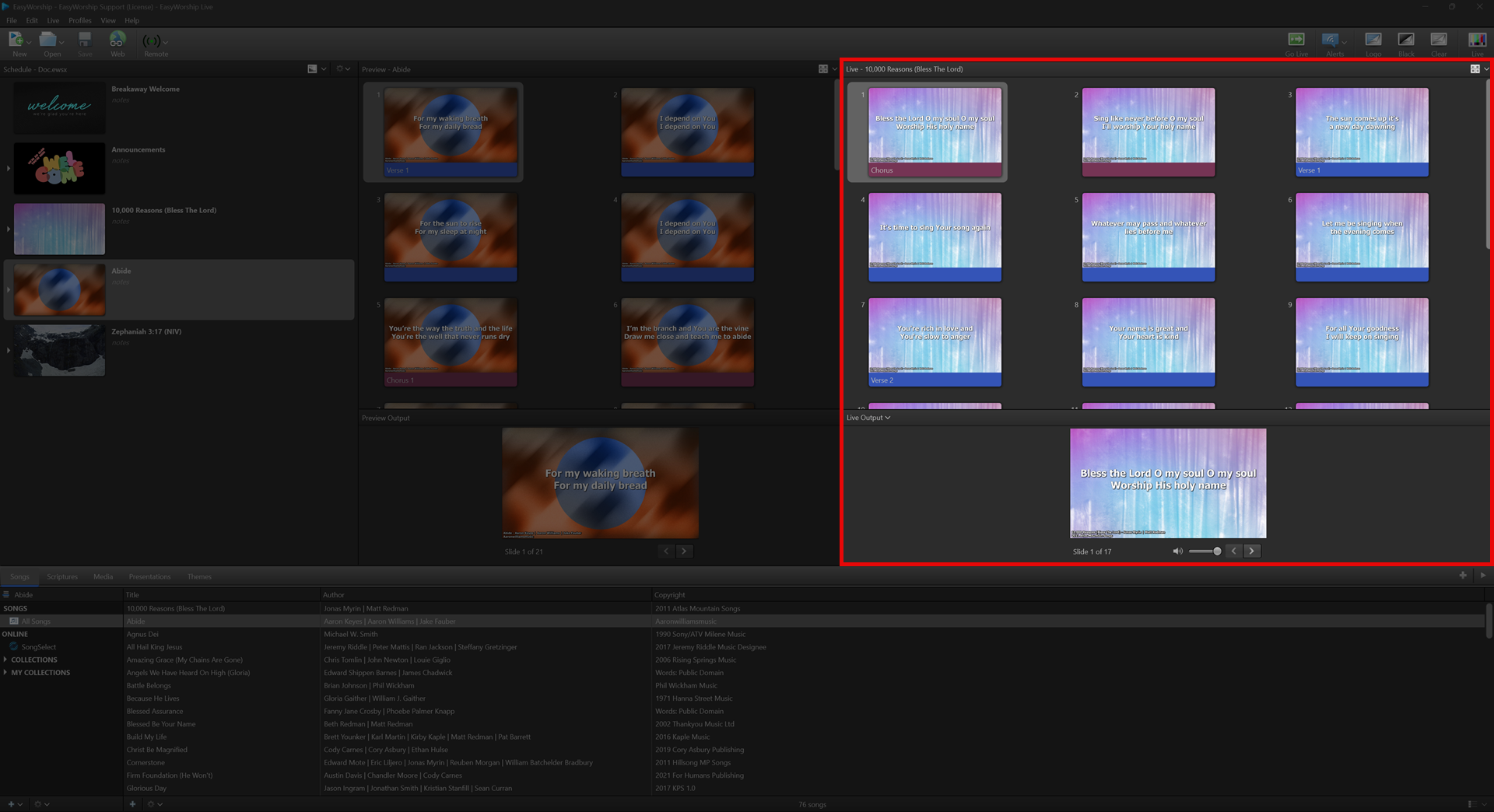
The Live Area displays the current live output, alternate output, and foldback output. You can advance through the slides using the forward and back arrow buttons on screen or by using the Helpful Shortcut Keys. No editing can be done in the Live Area. However, if you are currently on a Logo, Black, or Clear screen, you can double-click a slide in the Live Area to turn that off and resume Live Output.
The Live area could change sizes and location depending on the current view you're in.
NOTE Alternate Output and Foldback need to be enabled in the Options to be viewable in this area.
In the Live with Resource Preview view, the live window will also be located on the right side of the screen.
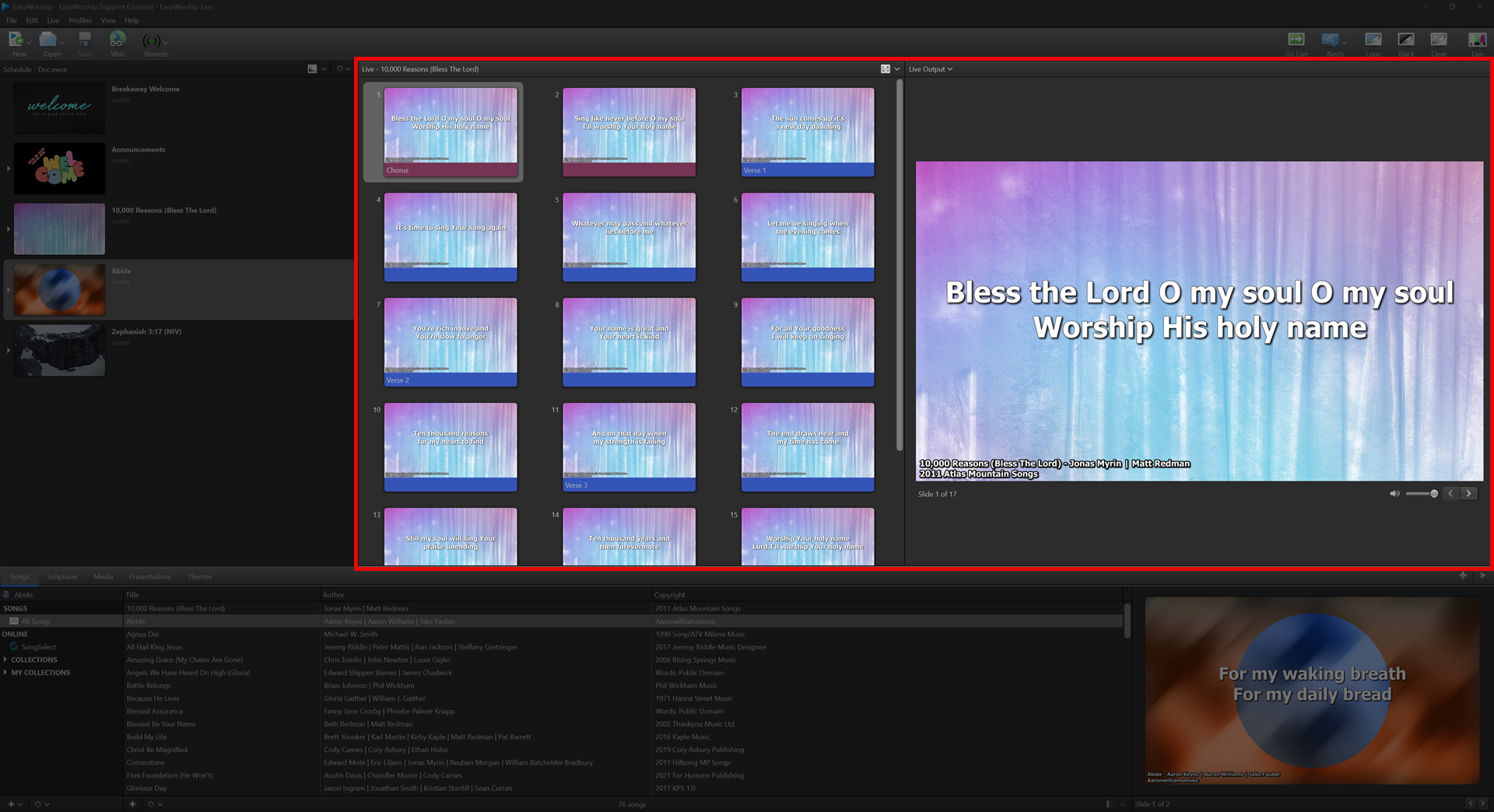
In the Preview and Live Combined view, the live window will be on the right side with the live output on the top left.