overlay Videos
Overlay Videos
Overlay videos are videos with transparency or alpha channel. There are pro-res (.mov) and .webm videos with a transparency. EasyWorship will support either one, but the .webm format is recommended for better performance. For example, an overlay video can be layered on top of a presentation, scripture or song slide with other content showing through the transparency.
SEE Adding and Using Videos for information on adding these videos to your Media.
Here is an overlay video on top of a motion background. The overlay video is transparent allowing the motion background to be seen behind it.
NOTE In the image below, the left is before adding the overlay video and the right side is after adding the overlay video.
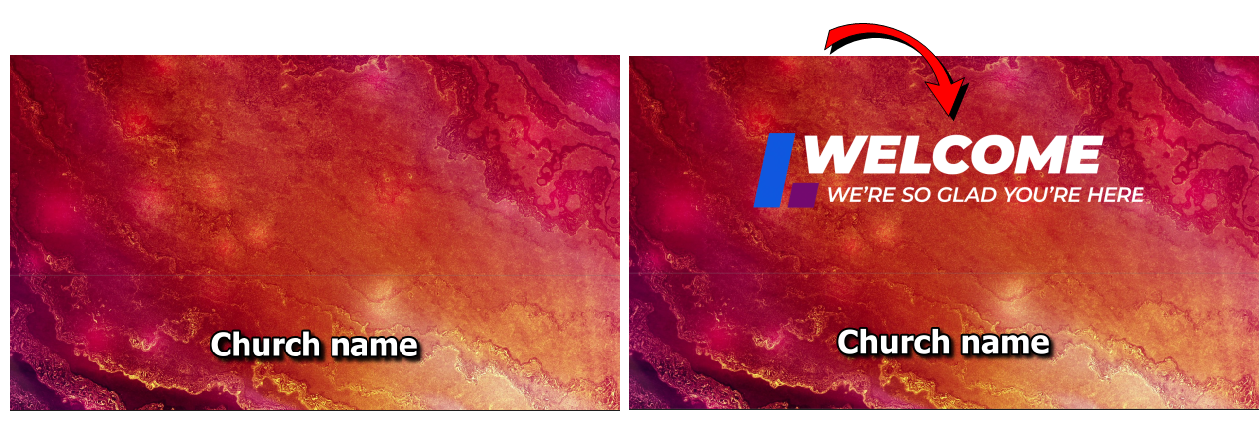
Overlay videos can be used as a foreground element on a slide as in the case above by editing your presentation, song, scripture or theme. To do this, follow the steps below.
- Create a new or edit a Presentation, Song, Scripture or Theme.
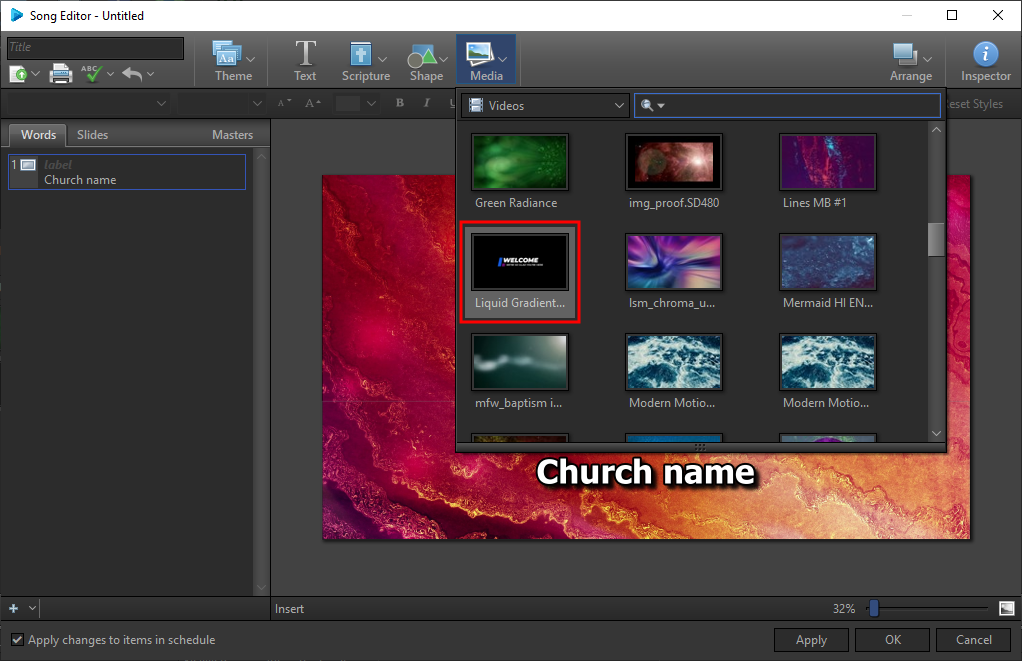
- Select the Media button on the toolbar and click on an overlay video to add it to the slide.