Nursery Alerts
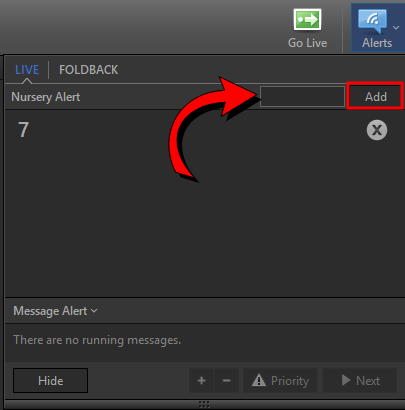
To use nursery alerts, click Alerts  in the toolbar, enter the alert message, and click Add. To delete the alert, click the X
  next to the alert in the Alerts window.
You can enable/disable and modify the appearance of the alert by clicking Edit > Options > Main Output or Alternate Output... and selecting the Alerts tab.
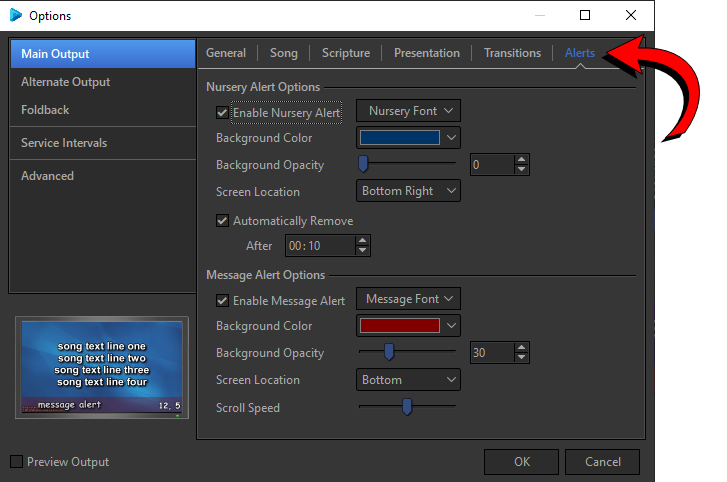
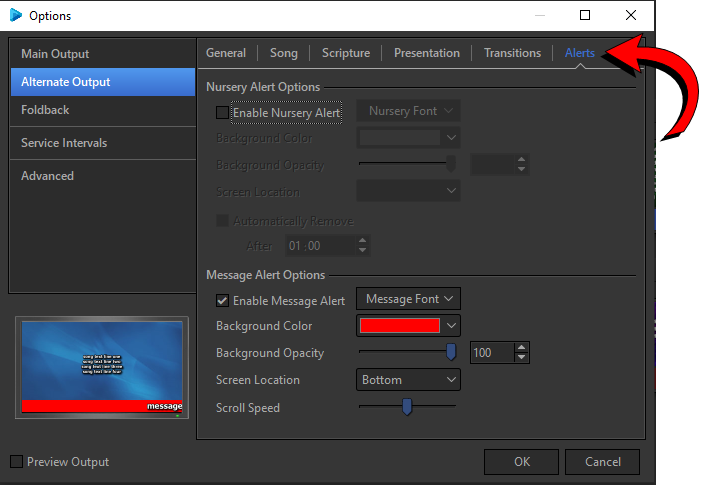
IMPORTANT! Nursery alerts will display on all outputs where they are enabled in the Options.
SEE Alerts in Options