Inspector Presentation
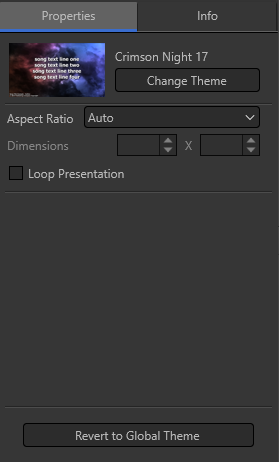
Properties
|
Change Theme |
Select a different theme for your song/Scripture/presentation. Clicking this box will open a popup window with access to your Themes. |
|
Aspect Ratio |
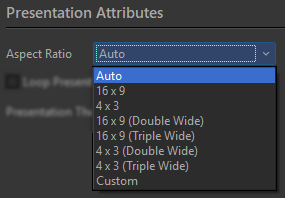
Sets the aspect ratio of the presentation.
|
|
Loop Presentation |
Sets whether or not the presentation will replay when complete. |
|
Revert to Global Theme |
Clicking Revert to Global will revert any changes made to the theme back to default settings. |
Info
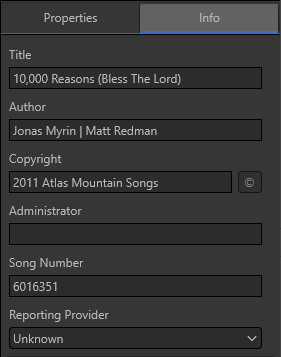
The Info page allows you to enter in the Title, Author, Copyright, Administrator, Song Number, and Reporting Provider for your songs.
This information will be filled in automatically when songs are imported using SongSelect Lyric Service integration.
You can enter in the information manually as well if you type songs in or import them using a different source.
Reporting Provider:
If you have Auto-Reporting turned on in EasyWorship, you can choose your reporting provider here. If you select Unknown or None, no auto-reporting will happen with this song. If you select CCLI and there is copyright information in the Info tab, EasyWorship will auto-report it to CCLI.