Foldback Song
To access the Options menu in EasyWorship, click Edit > Options.... In the bottom left corner of the Options window, there is a check-box next to Preview Output. Use this option to view changes on the output screen as you make them.
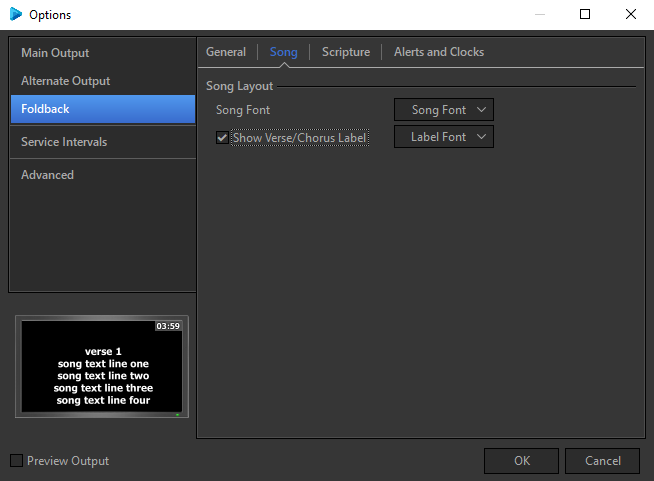
Song Layout
|
Song Font |
Refer to Default Font for information on the options in this window. |
|
Show Verse /Chorus Label |
Checking this box tells to display labels that have been entered into your song, e.g., Verse, Chorus, Bridge, etc. |
|
Label Font |
Refer to Default Font for information on the options in this window. |