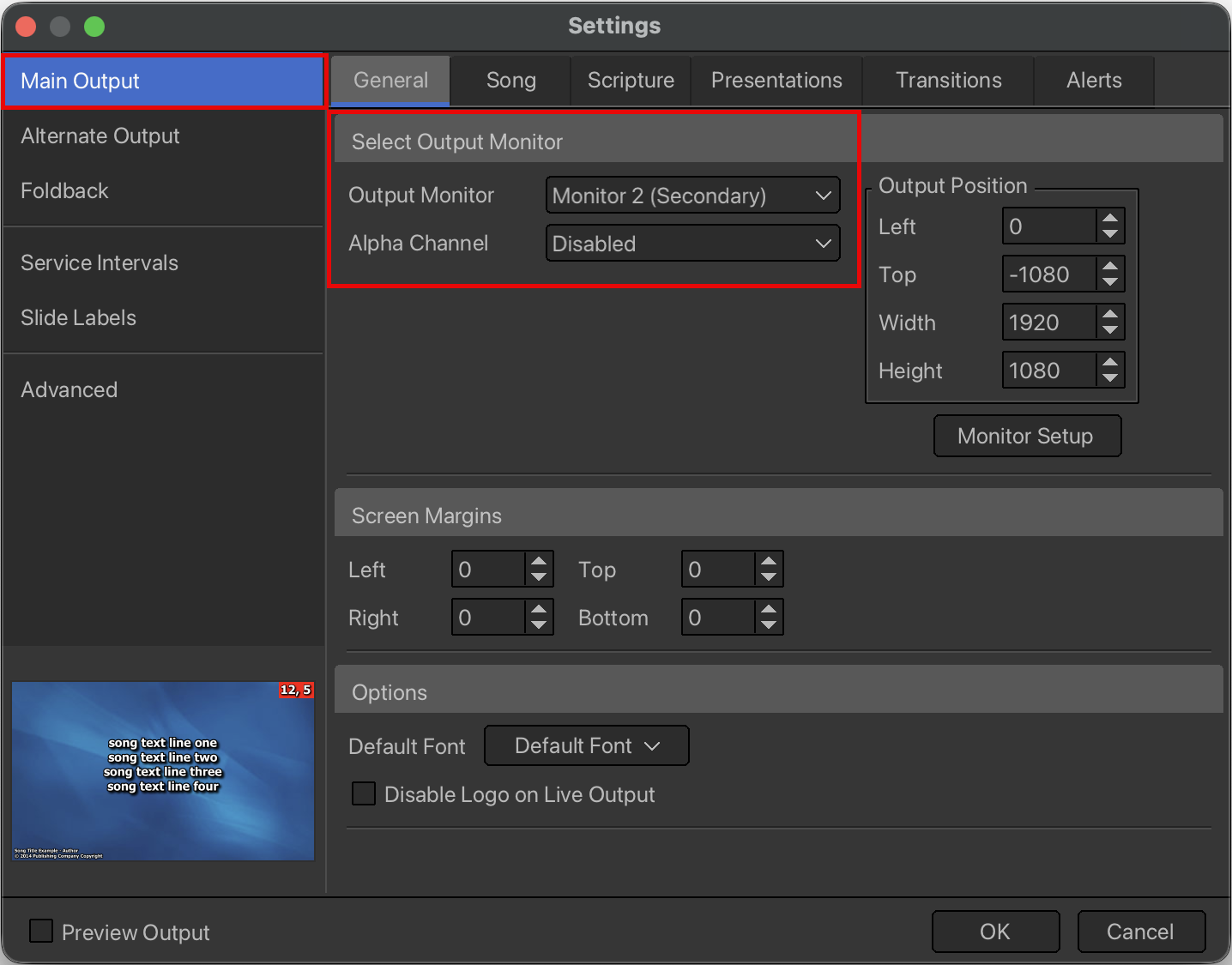
enabling the windows extended desktop
- Open EasyWorship.
- Click EasyWorship > Settings... to open the Options window.
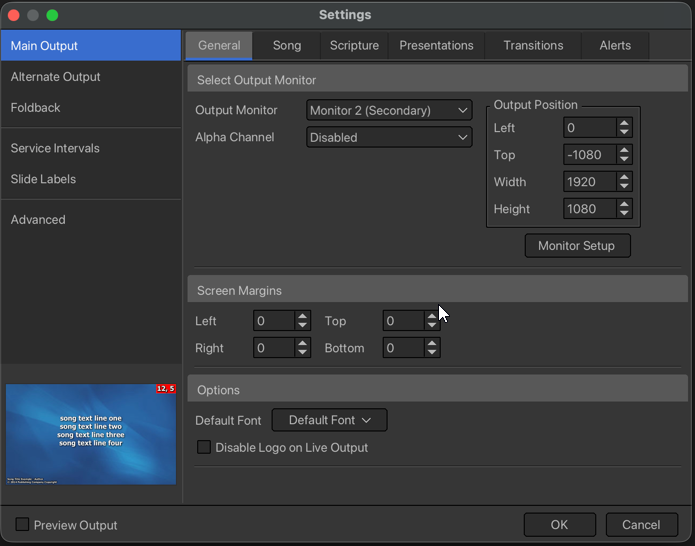
- Select the Main Output tab at the upper left.
- In the General tab under Output Position, click Monitor Setup.
- EasyWorship will open the Display Settings window.
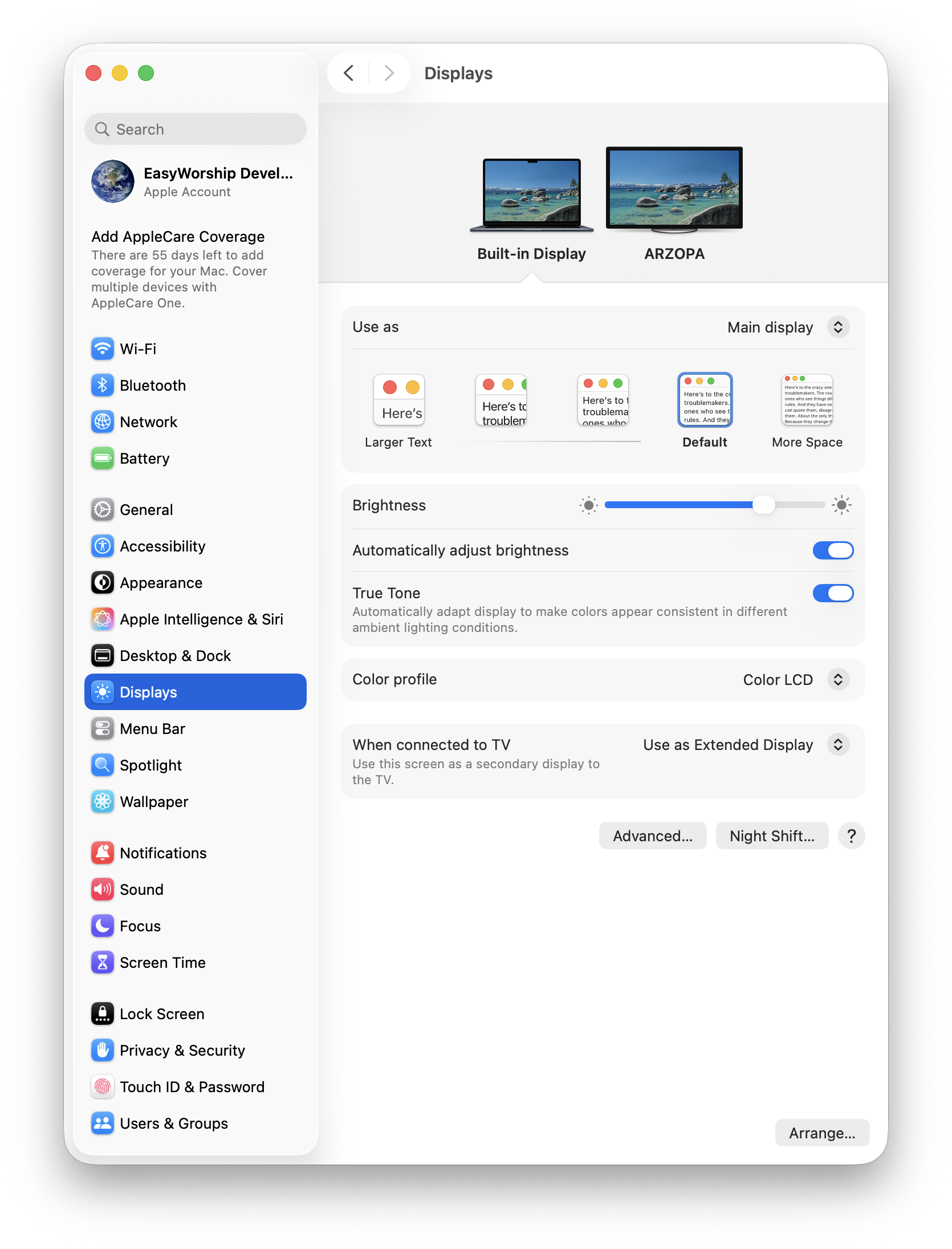
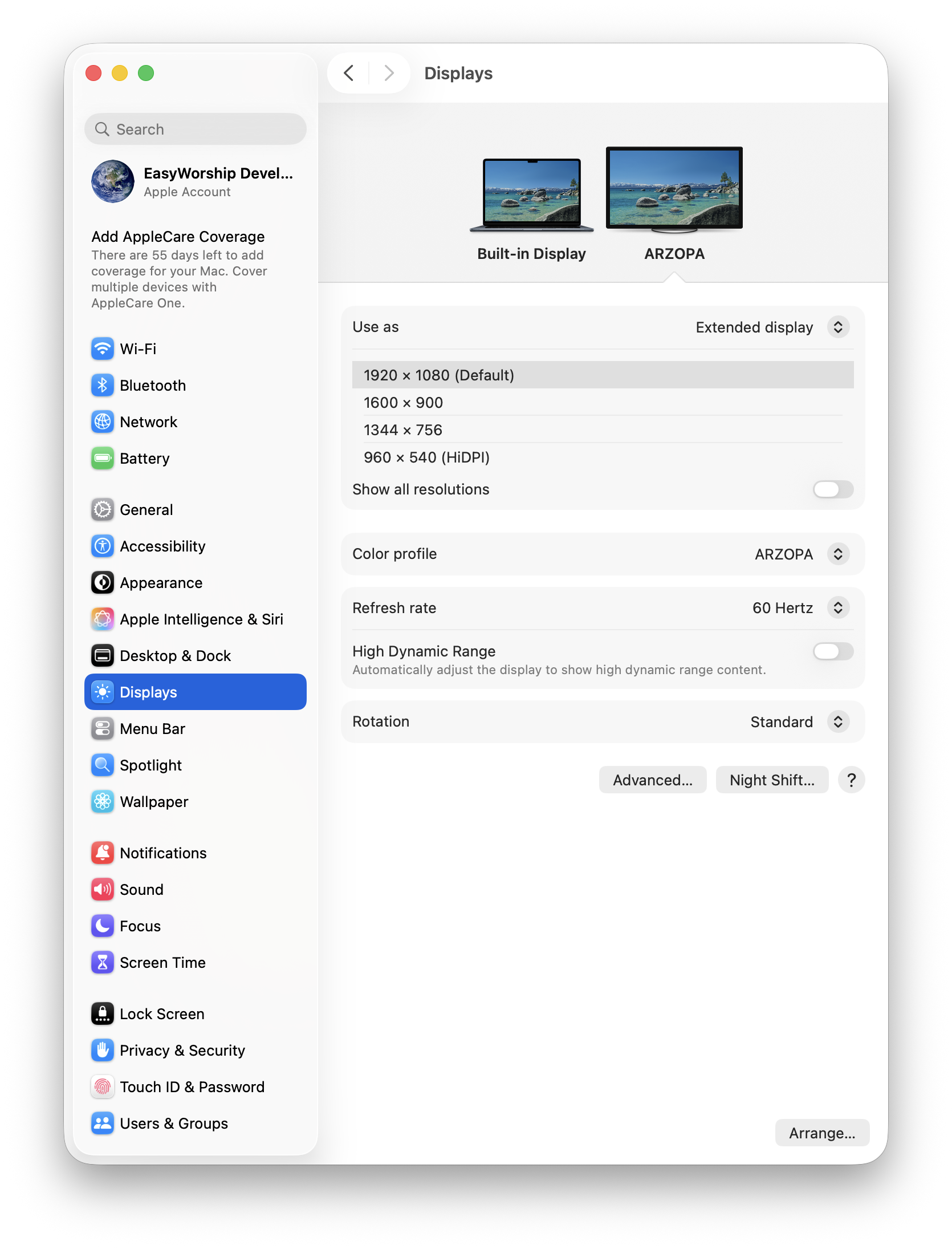
- Select the second monitor icon at the top and in the Use as dropdown, choose Extended display.
Close that window and set the Main Output display to Secondary monitor.