Deleting Images
- Click the Media tab.
- Select Images on the left in the Resources Area.
- Right click the image that you want to delete.
- Click Delete.
- A message appears asking if you want to permanently delete the item.
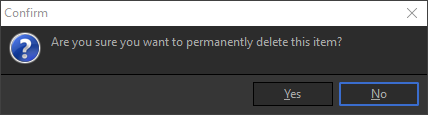
- Click Yes to delete the image.
- OR, right click the image you want to delete and press the Delete key on the keyboard.
NOTE If you want to delete multiple images at one time, you can use either Ctrl+click or Shift+click to select multiple images and then follow the steps to delete.