Delete a Song
WARNING! The following procedure permanently deletes the selected song from the EasyWorship Songs database.
- In the Resource Area, locate the song you would like to delete.
- Right-click that song and select Delete, or select the song and press Delete on the keyboard.
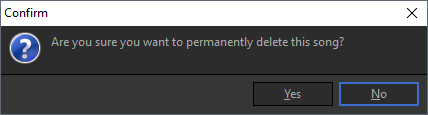
- You will get a confirmation asking if you’re sure you want to permanently delete this song.
- Click Yes to permanently delete the song from the songs database.