Remote Control
Mobile App setup
To control EasyWorship remotely with the mobile app, you will need to have the app installed on an iPhone, iPod, iPad or Android™ phone and have Bonjour installed on your PC.
To set up the remote control,
- In EasyWorship, click on Edit>Options>Advanced and make sure the box is checked to Enable Remote Control and click OK.

NOTE If you are prompted to install Bonjour, follow the onscreen steps to get that installed.
- In the mobile app, go to Settings.
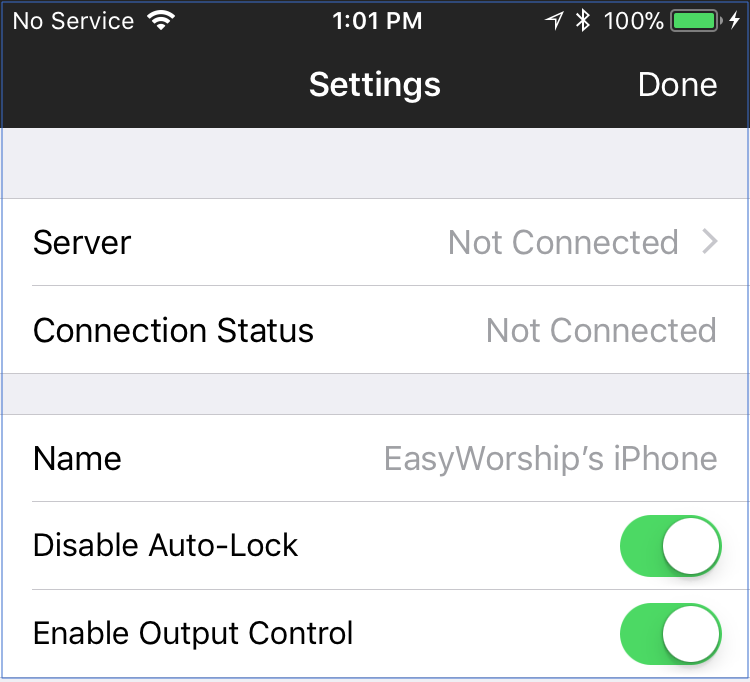
- Select Server.
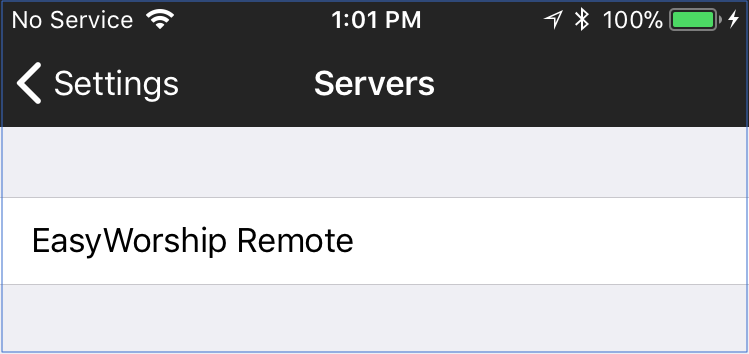
- Choose the name of the PC you're connecting to.
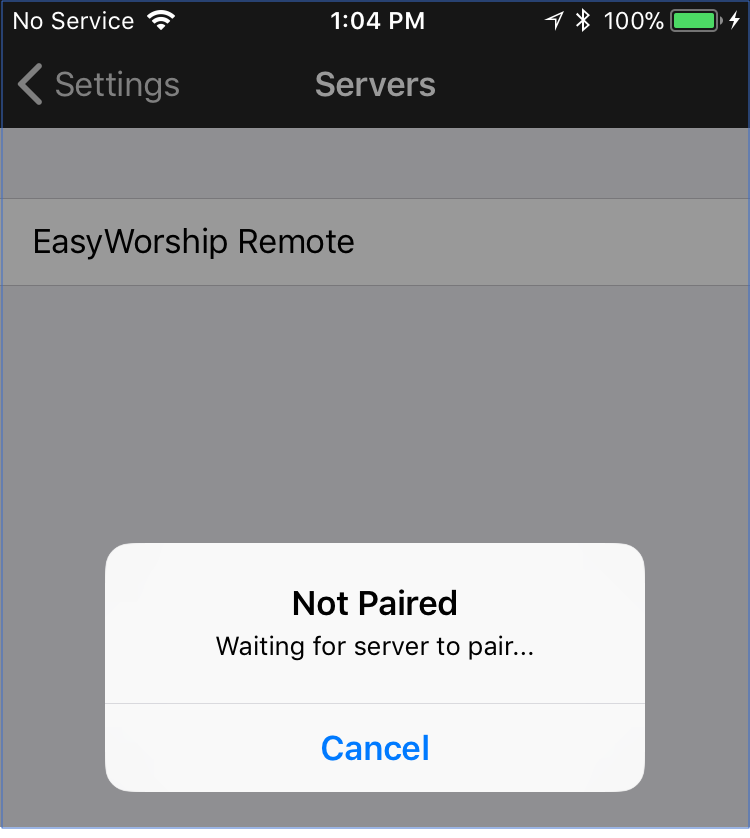
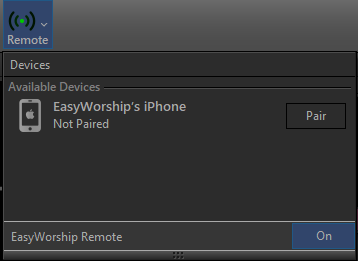
- In EasyWorship, click Remote on the main toolbar and click Pair next to the mobile device you're connecting to.
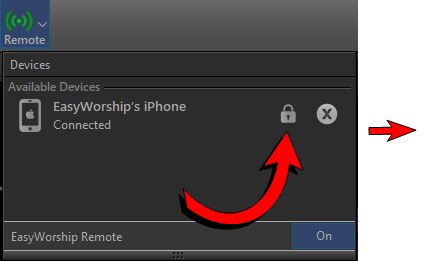
- Click the Lock Icon next to the device name to unlock it and make it available for controlling EasyWorship.
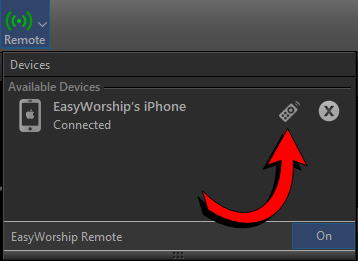
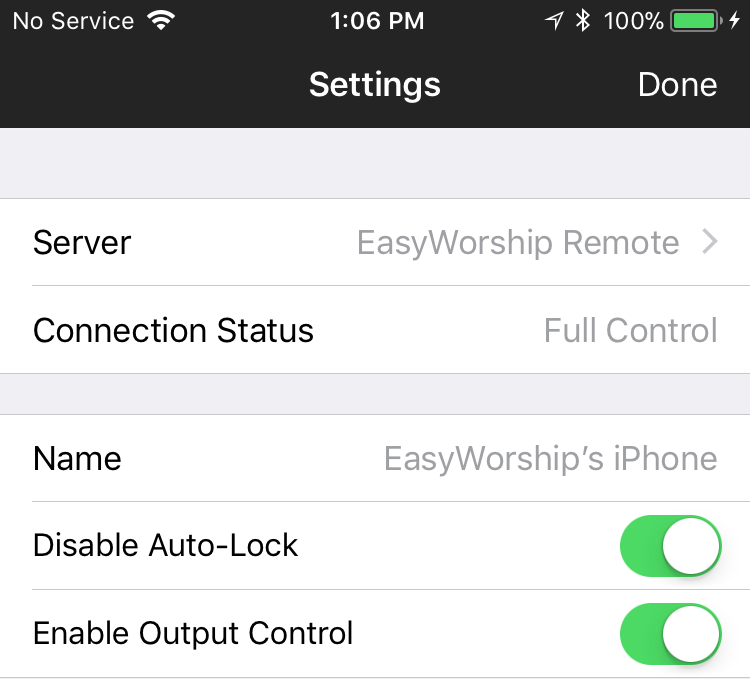
- Click Done. You should now be able to control the schedule in EasyWorship from your mobile device.